
This node reports the Revit Link paths and their Path Type for the current, active Revit model.

This node reports the Revit Link paths and their Path Type for the current, active Revit model.
This takes two inputs:
· part of a Sheet Number
· Worksharing Display Mode name (string, default value is ‘Off’)
Then, it will collect all the Views on Sheets that contain that Sheet Number, and it will then attempt to set the Worksharing Display Mode for those views to the desired mode that was input. It will report true/false in the Set OK? Output. Also, the ListOfAllModes output shows all of the Worksharing Display Modes that are available in this project.

Using a List of elements from Linked Documents, and a 1:1 matching length list of Document objects, this node will attempt to Create Parts in the current document for each linked element. It will report True if successful, False if it fails. Note: This first version only handles situations where there is one Link Instance for each Link Document.
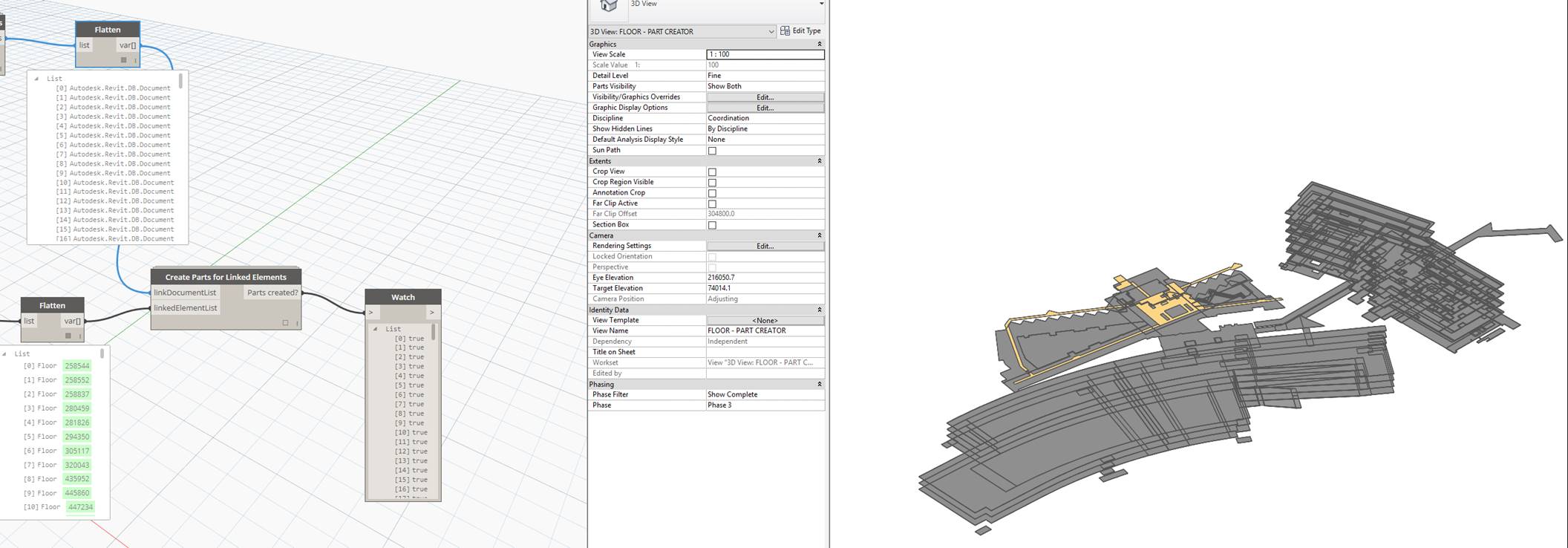
Using 1:1 (matching length) lists of elementIds and the document object they reside in, this node will return the matching Revit element.

Using the tagInfoList that is output from Get Tagged Linked Element Id this node will output lists useful for obtaining the actual elements that are tagged, including a Link Actual Elements output. These elements can be directly queried for parameter values and similar. It also reports if a given IndependentTag is not tagging a linked element, as shown in the not a Linked Tag output.

In Revit, Tags may reference elements in the current Document, or they may reference an element in a Linked document. There are a number of useful properties that can be obtained from a Tag that references a Linked document. This node returns a list with sublists which include the source element Id, and information needed to determine which document the element resides in.

This will take a list of Strings, a single string to ‘find’, and another list to Filter. If it finds a match in the string list, it will allow the matching ‘filter list’ element/s through, and will show them in the Matching output node. Essentially this a wrapper for String.Contains and List.FilterByBoolMask to make it a little easier to use.

Using a 1:1 set of Views and Elements to override, this node will override the projection lineweight for those elements in the matching view.
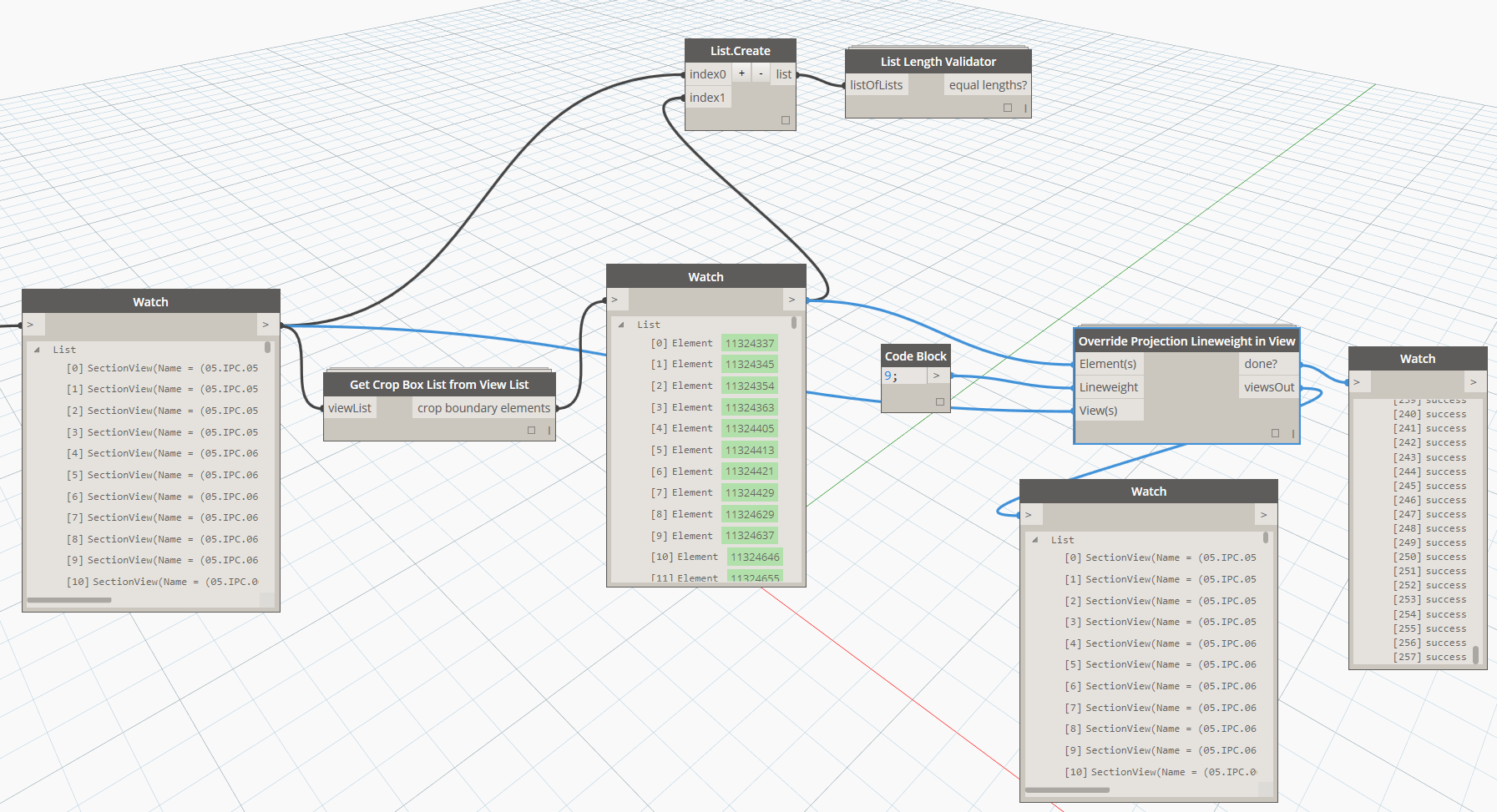
This node finds the Crop Boundary elements for a list of views. Thanks to Dimitar Venkov at this link.

This node attempts to get all useful properties from the Worksets in the current Revit document, including:
· The internal workset element
· Workset Ids
· Workset Names
· If the Workset is open or not (Boolean)
· If the Workset is visible by default or not (Boolean)
· If the Workset is the default Workset (typically Workset1, again a Boolean result)
The output is multiple lists of matching length. This node was based on a similar one in the archi-lab package.

 Dynamo Nodes