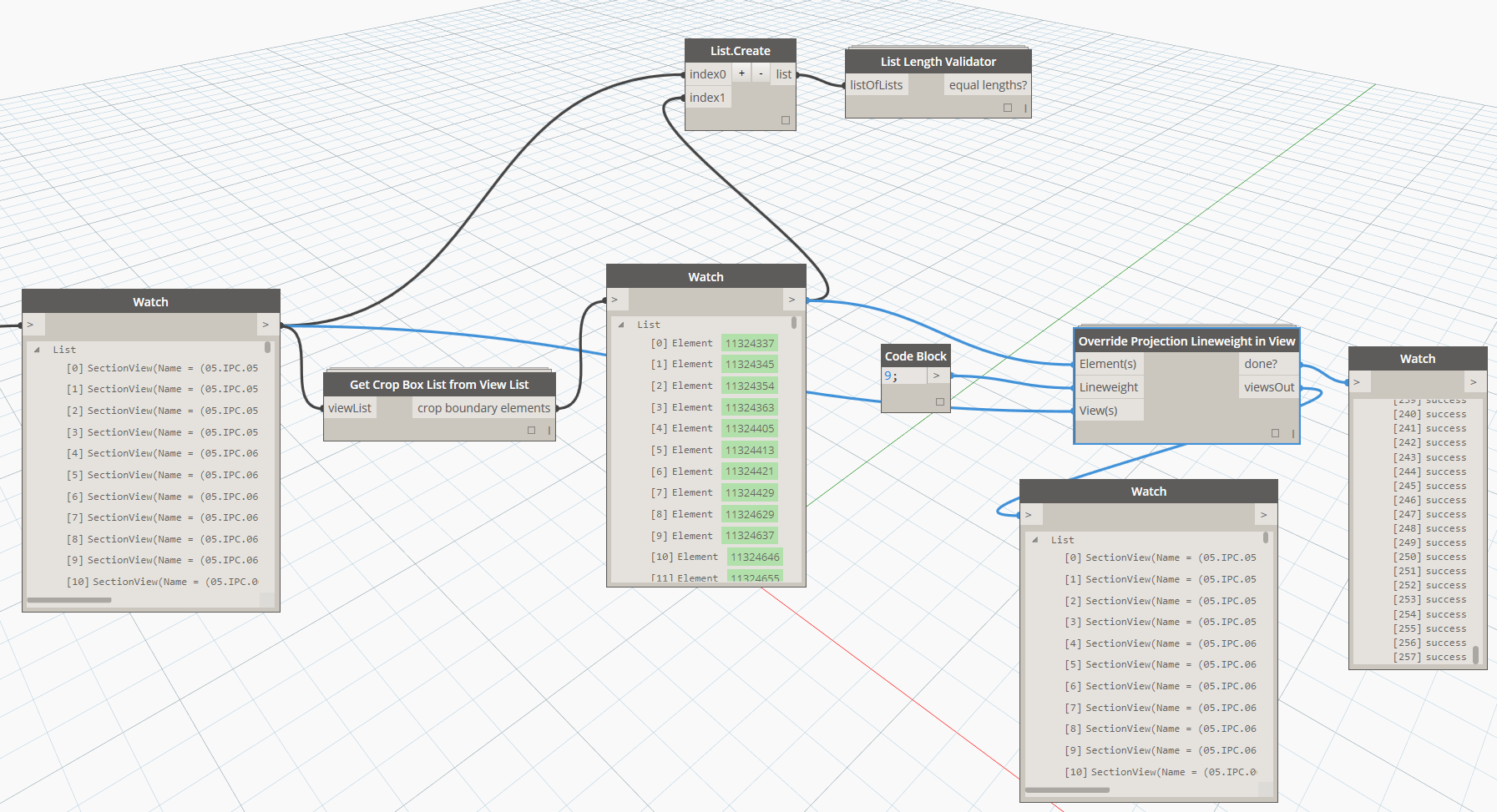
Get Tagged Linked Element Id

In Revit, Tags may reference elements in the current Document, or they may reference an element in a Linked document. There are a number of useful properties that can be obtained from a Tag that references a Linked document. This node returns a list with sublists which include the source element Id, and information needed to determine which document the element resides in.

Filter One List by String Search in Another List

This will take a list of Strings, a single string to ‘find’, and another list to Filter. If it finds a match in the string list, it will allow the matching ‘filter list’ element/s through, and will show them in the Matching output node. Essentially this a wrapper for String.Contains and List.FilterByBoolMask to make it a little easier to use.

Form.ByLoftCrossSections

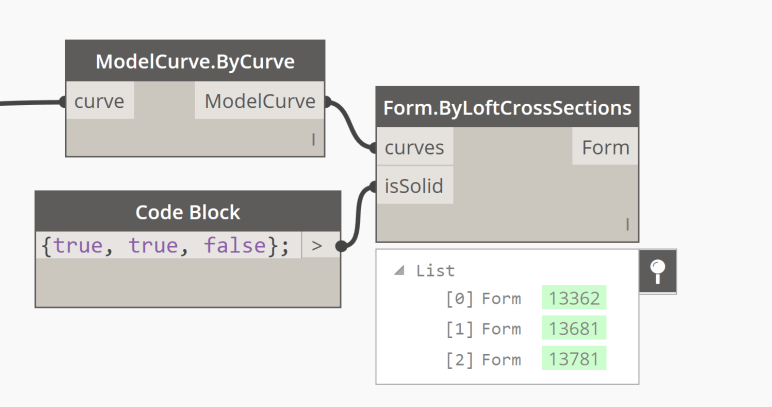
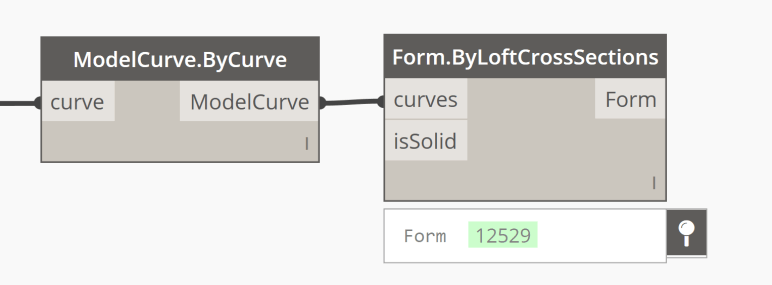
Form.ByLoftCrossSections is one of two OOTB Dynamo nodes available in Revit that produces a type Form geometry (native Revit geometry). It requires the input of a ModelCurve which you can get from either a Modelcurve.ByCurve or a ModelCurve.ReferenceByCurve. You can only use this node in a family as both the ModelCurve and Form.ByLoft nodes will only work in family environment.

Form.ByLoftCrossSections closeupForm.ByLoftCrossSections

If you pass a false into the isSolid you will get a void rather than a solid.


If you need a more complex geometry in Revit, take a look at the Form.ByGeometry node from Spring Nodes.

Form.ByGeometry

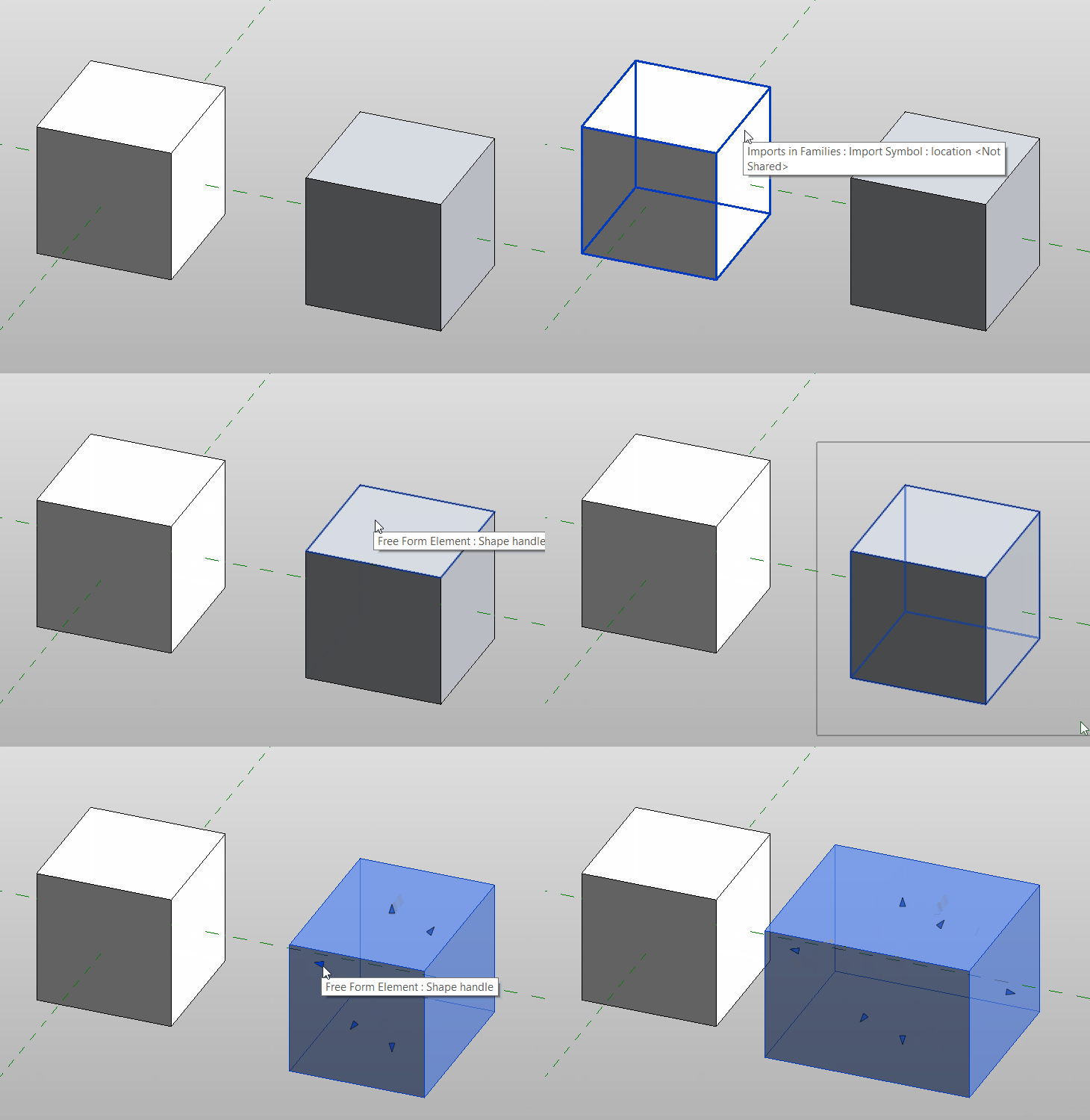
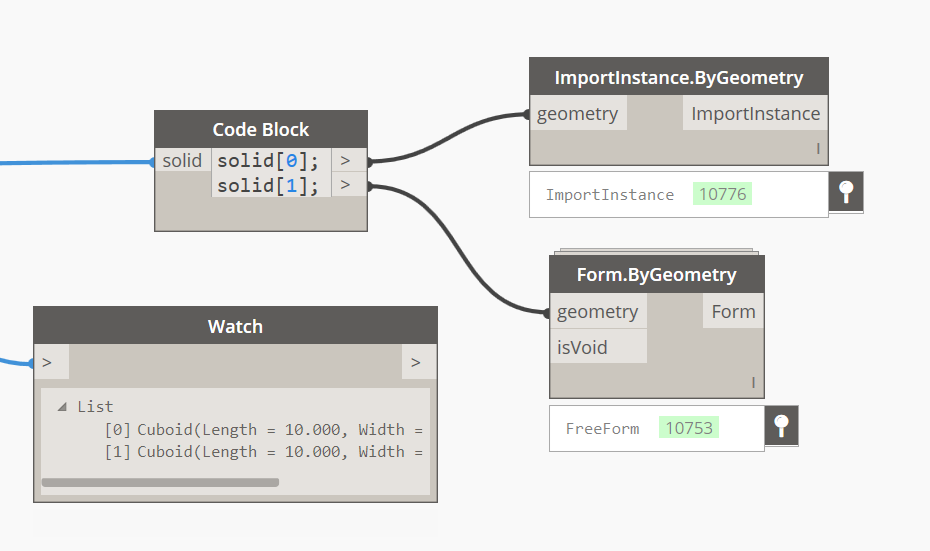
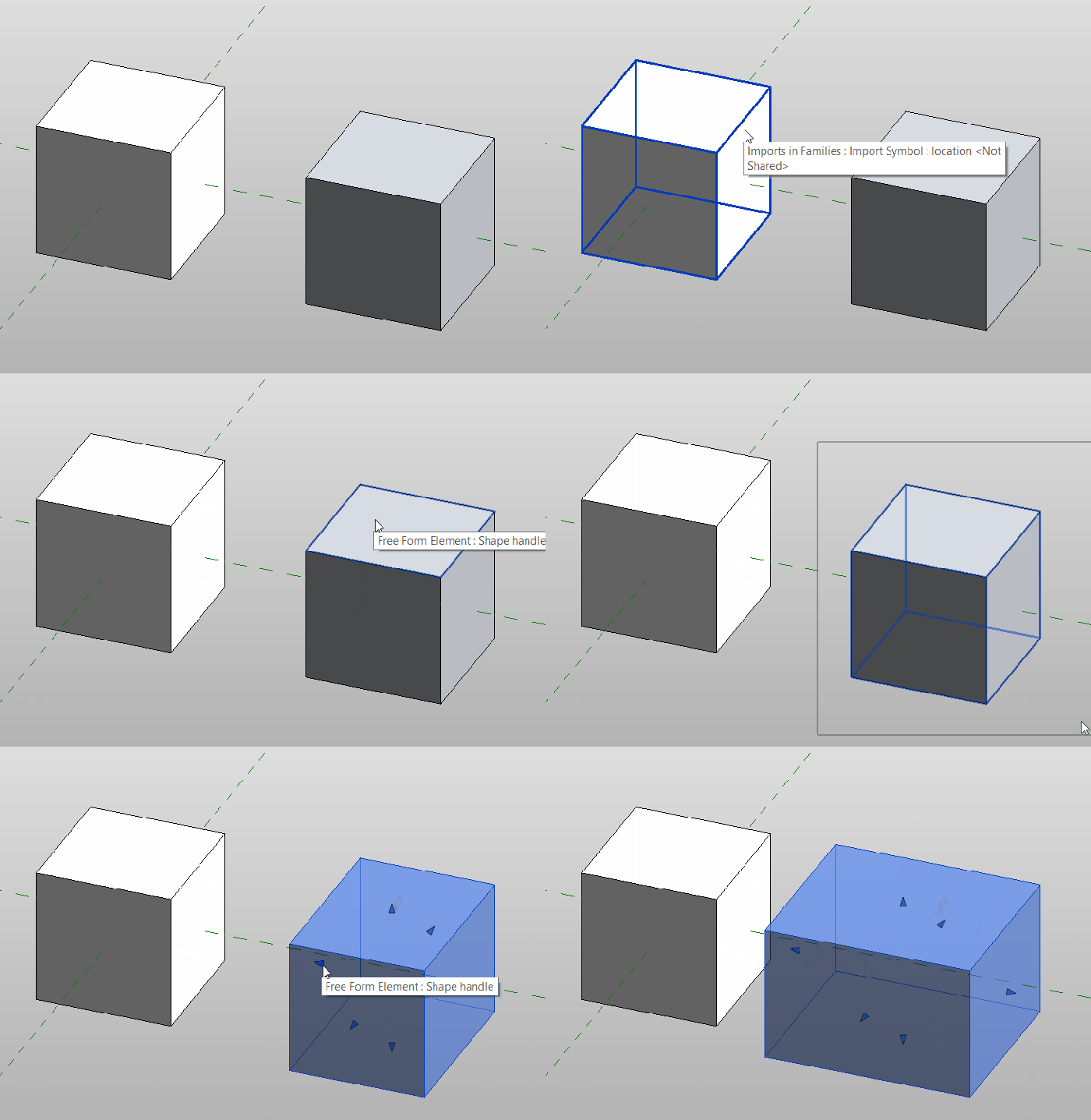
Form.ByGeometry “bakes” any solid, polysurface or surface passed into it into the active Revit family environment as a Free Form Element type (native Revit geometry). This should be used in the place of ImportInstance.ByGeometry in every instance. (a similar result can be achieved with the FamilyInstance.ByGeometry from a project level). In some cases you should even see handles appear which will allow you to manipulate the goemetry to some level once it is “baked” into Revit.


formbygeoformbygeo

Rhino to Revit (SAT to Spring Nodes)

There are a couple of ways to go about this (all of which require Springs Nodes):

  1. If you are in a family environment it is as simple as this:
  2. If you are at the project level of a Revit project then there is a just a bit more that needs to be added:

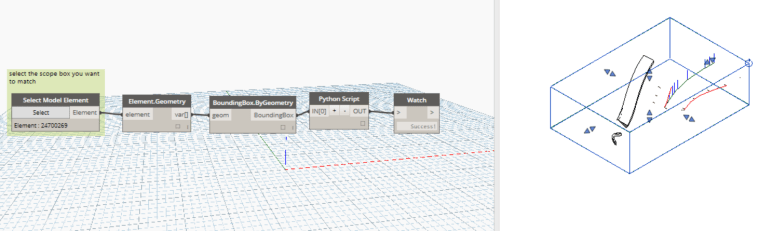
In the end though, the results are pretty much the same. You should end up with native Revit, free form elements, some of which will even display handles which can be used to edit this geometry (usually simpler, rectilinear geometries such as boxes will be fully editable, other times things like lofted geometries might have and end face that is editable).
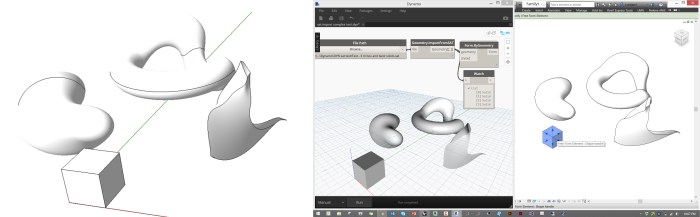
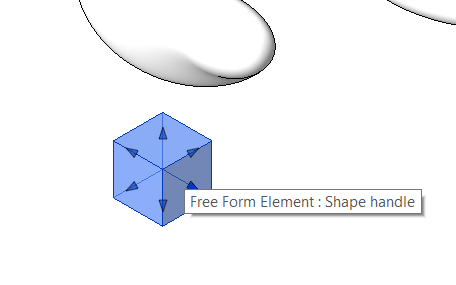
 

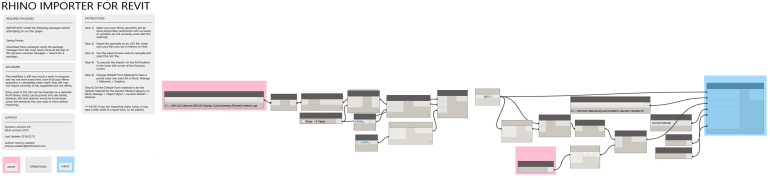
SAT-RH-RVT

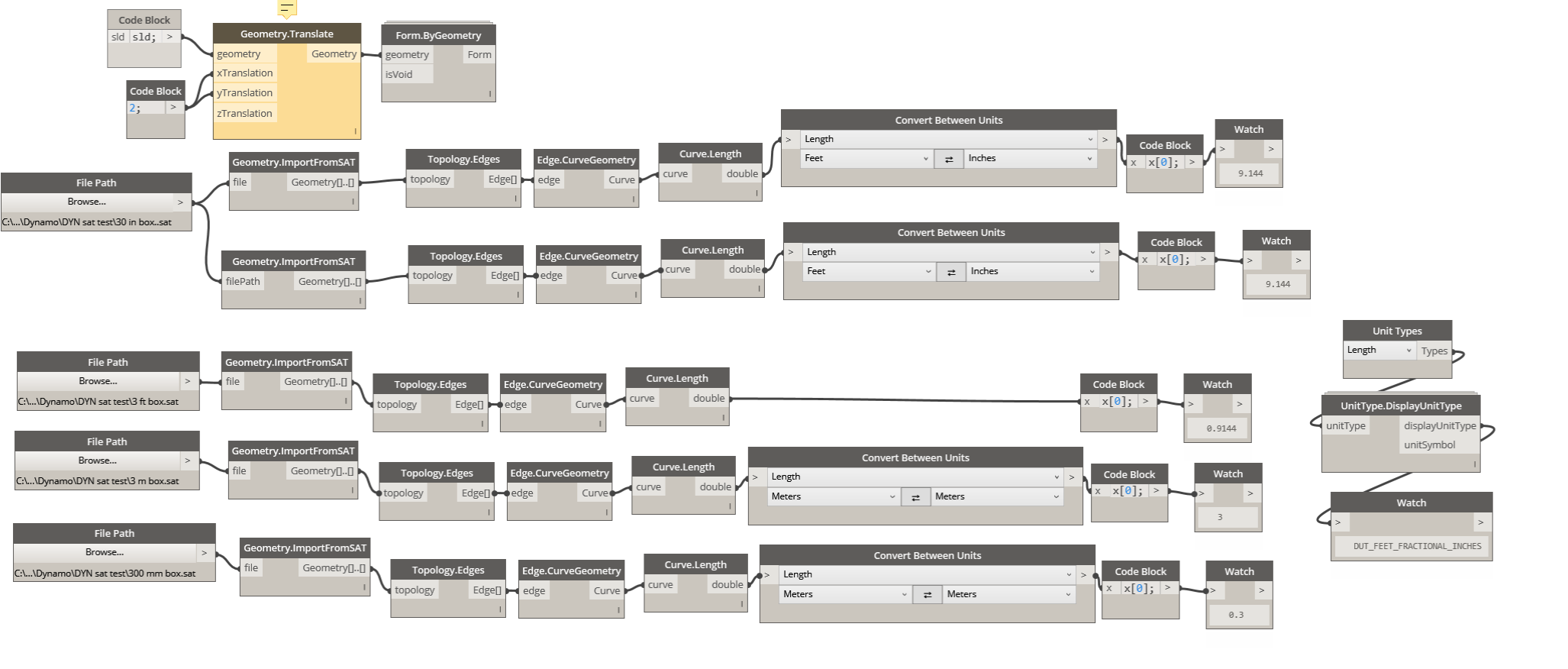
SAT-HandlesBe aware that there is a scaling issue currently with dynamo’s SAT import nodes where the they only read the geometry as though it were in meters, but this can be easily fixed through some creative scaling before “baking” it into Revit.
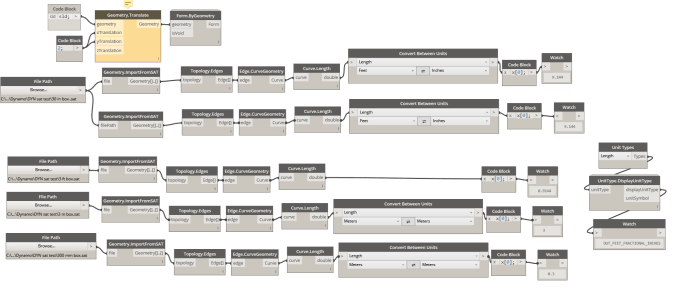
sat unit test

This workflow can also be used to bring SAT information into Revit from Inventor as well.


Get Worksets with all Properties

This node attempts to get all useful properties from the Worksets in the current Revit document, including:

· The internal workset element

· Workset Ids

· Workset Names

· If the Workset is open or not (Boolean)

· If the Workset is visible by default or not (Boolean)

· If the Workset is the default Workset (typically Workset1, again a Boolean result)

The output is multiple lists of matching length. This node was based on a similar one in the archi-lab package.