
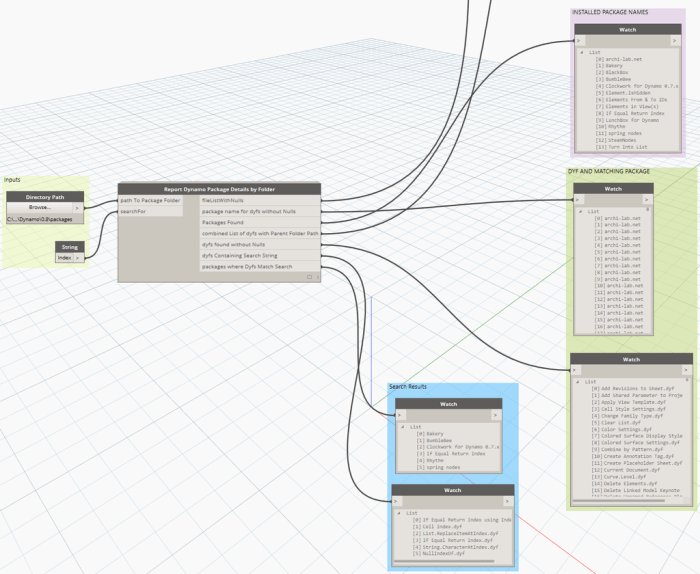
This will give you a summary of nodes you have installed in your Dynamo Packages folder.
Source: https://twitter.com/lukeyjohnson/status/657367093113933824
This will give you a summary of nodes you have installed in your Dynamo Packages folder.
Source: https://twitter.com/lukeyjohnson/status/657367093113933824
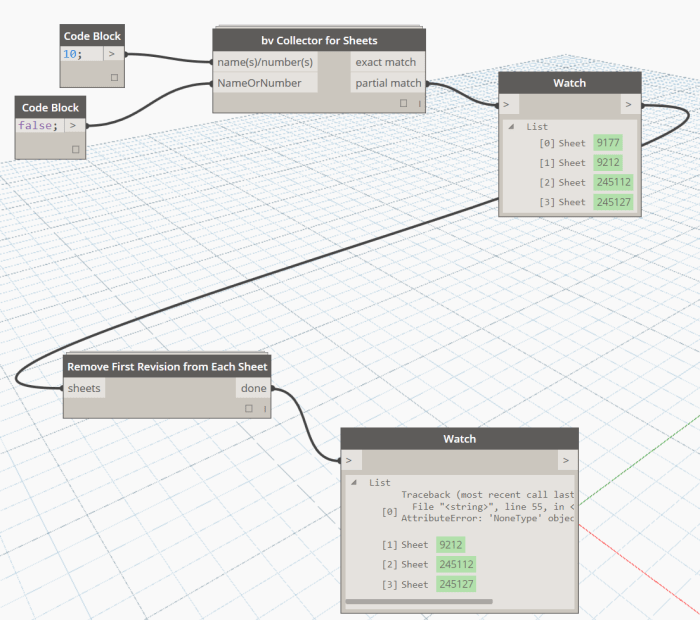
This node takes a Sheet list as input, and finds the first (earliest) Revision that is placed on each individual Sheet. Then it removes that Revision from the Sheet. This node may be useful for project cleanup.
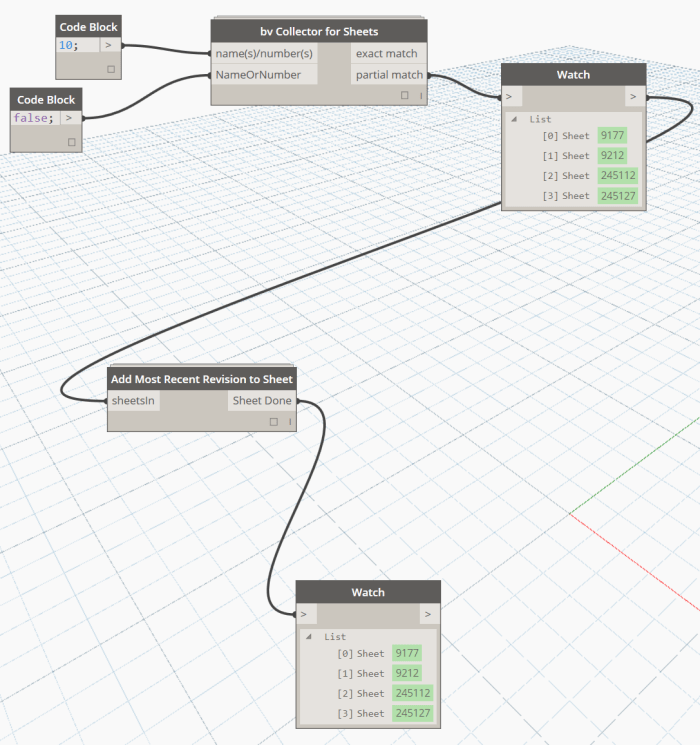
This node takes a Sheet list as input and applies the most recent Revision (last Revision entry) to those Sheets.
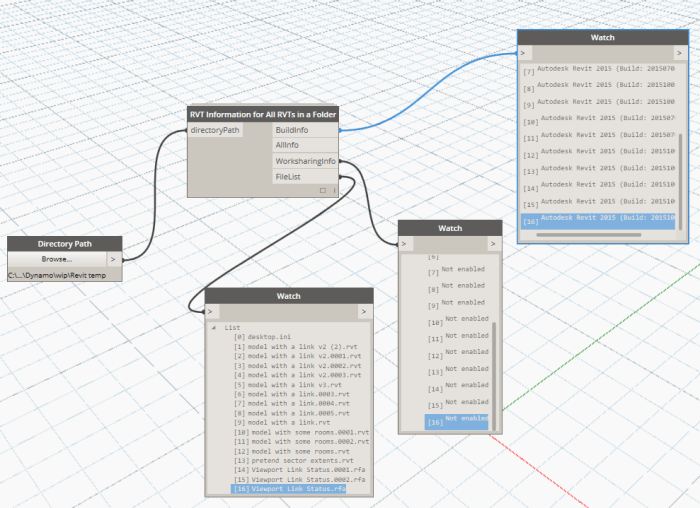
This node takes a Folder as an Input, and then checks each file in that folder for its RVT Build number and Worksharing Status:
This node uses Python to access the File Reference details for the currently opened Revit file using the API. It also relies upon another node that uses a Python import to get the System file Date Modified information using the Path gained from the Revit API.

Source: https://twitter.com/lukeyjohnson/status/661019299608264705
This will query the elements in the model, get their Type, then compare the GUID of a given Shared Parameter against a known GUID.

via https://twitter.com/lukeyjohnson/status/629178849834594304
Takes Revit room Elements and creates Revit floor Elements. Various versions are available, currently at v4.
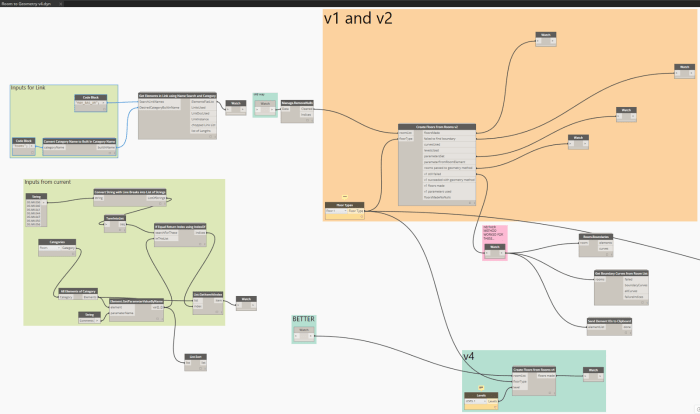
Source: http://whatrevitwants.blogspot.com.au/2015/10/create-floors-from-rooms-across.html
Update:
New version allows traversal of XML sub-elements, as shown below.

Description:
A tool that allows extracting specific data from an XML file.
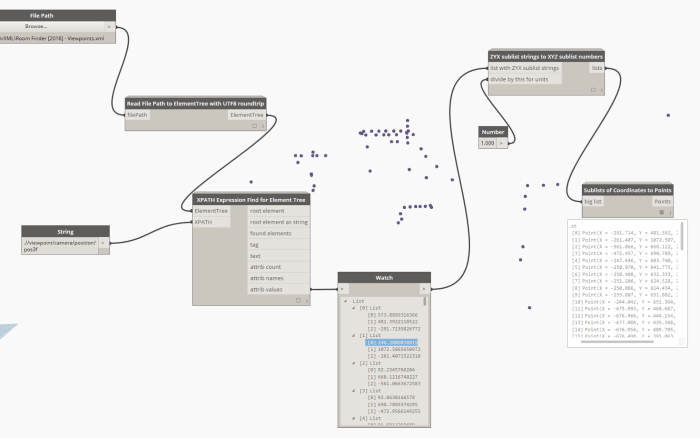
Source: http://whatrevitwants.blogspot.com.au/2015/11/read-xml-files-and-use-in-revit-with.html
 Dynamo Nodes