
Select Grids By Curve
Dynamo Hierarchy: Rhythm>Revit>Selection>Select Grids By Curve
Description:
This will select Revit grids by the input Revit curve,
Inputs:
modelCurve : Curve
Outputs:
grids : Element

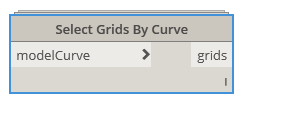
Dynamo Hierarchy: Rhythm>Revit>Selection>Select Grids By Curve
Description:
This will select Revit grids by the input Revit curve,
Inputs:
modelCurve : Curve
Outputs:
grids : Element
NOTE: This node has been removed from Rhythm. More info here:
Use this python as a replacement:
import clr

clr.AddReference("RevitNodes")
import Revit
clr.ImportExtensions(Revit.Elements)

clr.AddReference("RevitAPIUI")
from  Autodesk.Revit.UI import *

clr.AddReference("RevitServices")
import RevitServices
from RevitServices.Persistence import DocumentManager

doc = DocumentManager.Instance.CurrentDBDocument
uidoc=DocumentManager.Instance.CurrentUIApplication.ActiveUIDocument

#offer the user the selection
elementReferences = uidoc.Selection.PickObjects(Selection.ObjectType.Element, 'Pick model elements')

#our list to append selection results to
elements = []

#obtain the elements via the id
for i in elementReferences:
	try:
		elements.append(doc.GetElement(i.ElementId))
	except:
		elements.append([])

OUT = elements

Dynamo Hierarchy: Rhythm>Revit>Selection>Pick Model Elements
Description:
This node offers a pick method for selecting elements in Revit.
Inputs:
refresh : bool
Outputs:
elements : Element

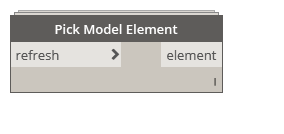
Dynamo Hierarchy: Rhythm>Revit>Selection>Pick Model Element
Description:
This offers a single selection of a model element. Created for Dynamo Player usage.
Inputs:
refresh : bool
Outputs:
elements : Element

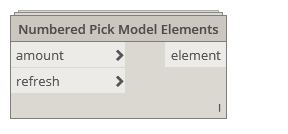
Dynamo Hierarchy: Rhythm>Revit>Selection>Numbered Pick Model Elements
Description:
This offers the ability to specify number of elements to be selected.
Inputs:
amount : int
refresh : bool
Outputs:
elements : Element


Dynamo Hierarchy: Rhythm>Revit>Selection>Isolated Pick Model Elements(ordered)
Description:
Pick model elements in desired order of a desired category.
Inputs:
refresh : bool
Category : Category
Outputs:
elements : Element


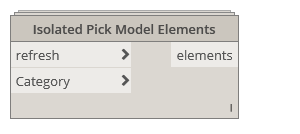
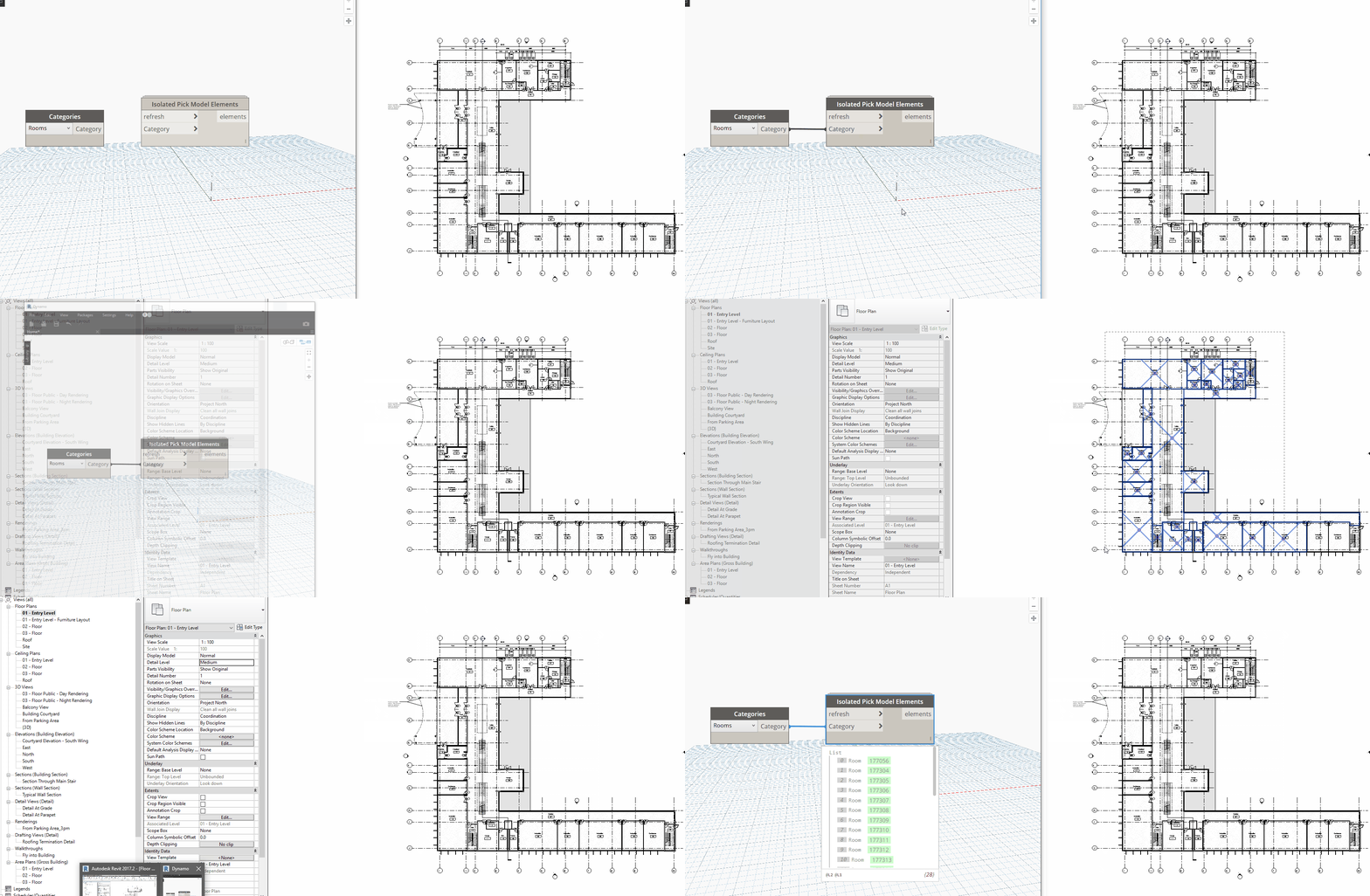
Dynamo Hierarchy: Rhythm>Revit>Selection>Isolated Pick Model Elements
Description:
This allows a multiple selection of elements of specified category.
Inputs:
refresh : bool
Category : Category
Outputs:
elements : Element
Dynamo Hierarchy: Rhythm>Revit>Selection>ViewFamilyTypes
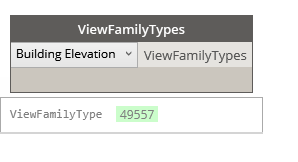
Description:
Allows you to select a view family type from you file.
Inputs:
dropdown : ViewFamilyTypes
Outputs:
ViewFamilyType : Element
Dynamo Hierarchy: Rhythm>Revit>Selection>SpaceTypes
Description:
Selects a space type from Revit to use.
Inputs:
dropdown :SpaceTypes
Outputs:
SpaceType : String
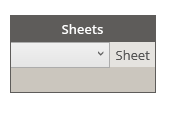
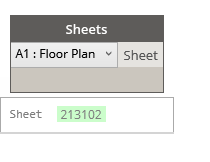
Dynamo Hierarchy: Rhythm>Revit>Selection>Sheets
Description:
Allows you to select a sheet from all of the sheets in your project.
Inputs:
dropdown : Sheets
Outputs:
Sheet : Element
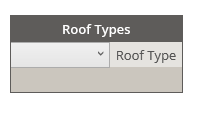
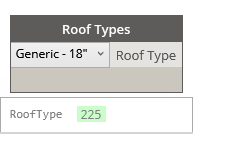
Dynamo Hierarchy: Rhythm>Revit>Selection>Roof Types
Description:
Allows you to select a roof type from the types in your project.
Inputs:
dropdown : Roof Types
Outputs:
Roof Types : Element
 Dynamo Nodes