
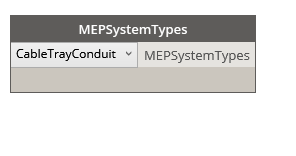
MEPSystemTypes
Dynamo Hierarchy: Rhythm>Revit>Selection>MEPSystemTypes
Description:
Selects a MEP System type from Revit to use
Inputs:
dropdown : MEPSystemTypes
Outputs:
MEPSystemTypes : String
Dynamo Hierarchy: Rhythm>Revit>Selection>MEPSystemTypes
Description:
Selects a MEP System type from Revit to use
Inputs:
dropdown : MEPSystemTypes
Outputs:
MEPSystemTypes : String
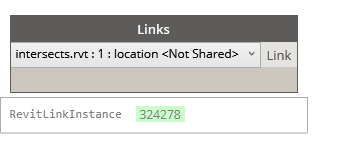
Dynamo Hierarchy: Rhythm>Revit>Selection>Links
Description:
Allows you to select a link instance from all of the Revit links in your file.
Inputs:
dropdown : DesignOptions
Outputs:
DesignOption :DesignOption
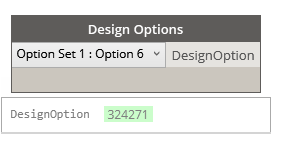
Dynamo Hierarchy: Rhythm>Revit>Selection>Design Options
Description:
Displays design options with option set for your use.
Inputs:
dropdown : DesignOptions
Outputs:
DesignOption :DesignOption
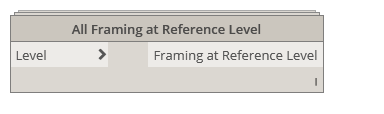
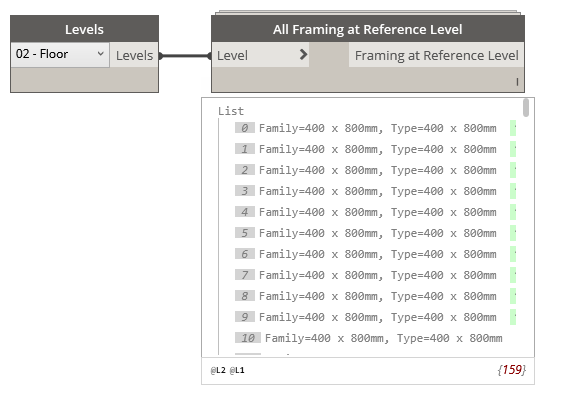
Dynamo Hierarchy: Rhythm>Revit>Selection>All Framing at Reference Level
Description:
Collects all of the structural framing at a specific reference level
Inputs:
Level : Level
Outputs:
Framing at Reference Level : Element

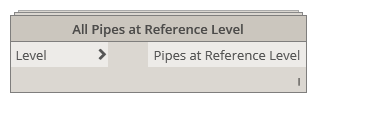
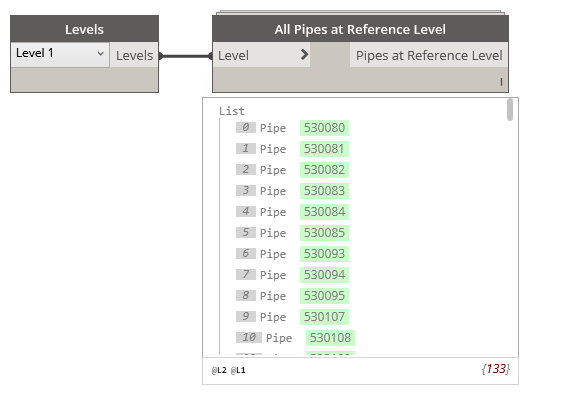
Dynamo Hierarchy: Rhythm>Revit>Selection>All Pipes at Reference Level
Description:
This will collect all pipes by their reference level.
Inputs:
Level : Level
Outputs:
Pipes at Reference Level : Element
Documentation now at
https://github.com/johnpierson/RhythmForDynamo/wiki/Documents
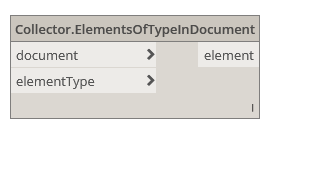
Dynamo Hierarchy: Rhythm>Revit>Selection>Collector>ElementsOfTypeInDocument
Description:
All elements of given type in the specified document. This works for unopened files and for linked documents.
Inputs:
document : Document
elementType: ElementType
Outputs:
elements : Element

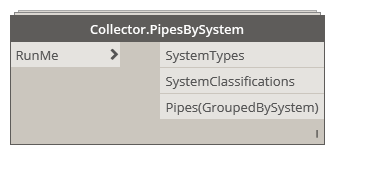
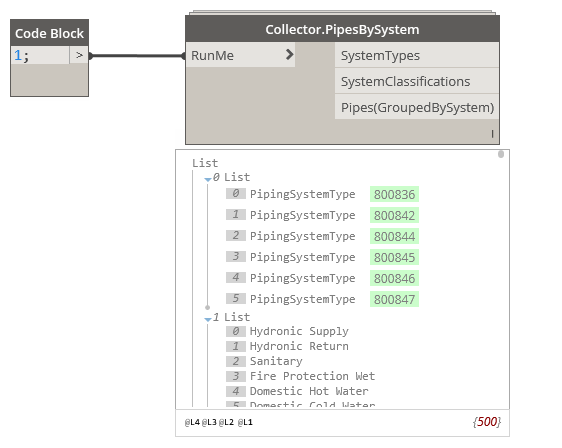
Dynamo Hierarchy: Rhythm>Revit>Collector>Collector.PipesBySystem
Description:
This collects all pipes in the project and organizes them by System Classification
Inputs:
RunMe : bool
Outputs:
SystemTypes : UnknownElement
SystemClassifications : String
Pipes(GroupedBySystem) : Element
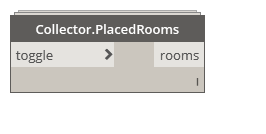
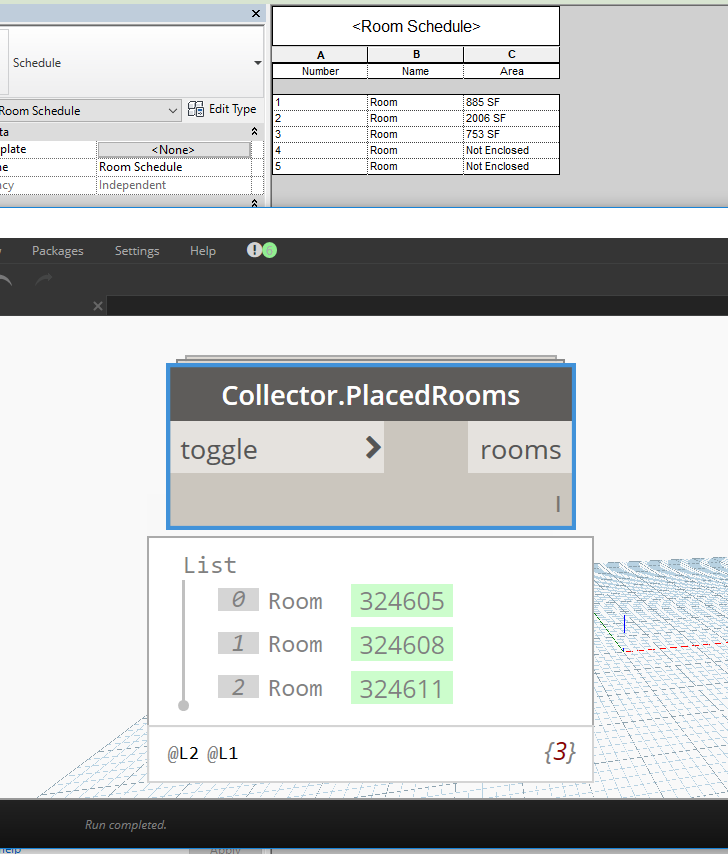
Dynamo Hierarchy: Rhythm>Revit>Collector>Collector.PlacedRooms
Description:
This will collect placed rooms in current file.
Inputs:
toggle : bool
Outputs:
rooms : Element
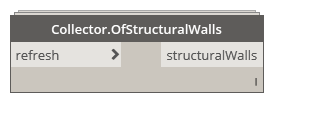
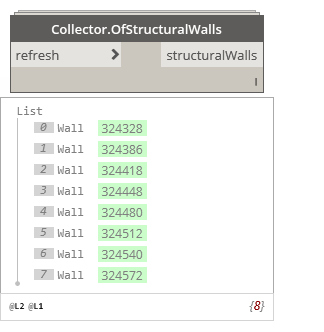
Dynamo Hierarchy: Rhythm>Revit>Collector>Collector.OfStructuralWalls
Description:
This will collect structural (function) walls.
Inputs:
toggle : bool
Outputs:
structuralWalls : Element
 Dynamo Nodes