List Sectors for Given Elements

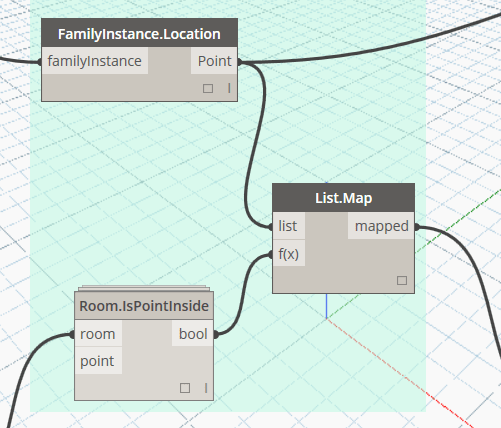
This node will take an element list, and a list of ‘sector bounding floor elements’. The floor elements need to have the Comments parameter populated with a Sector identifier. This node uses the OOTB Geometry node Geometry.DoesIntersect to check if the element location point intersects with one of the floor elements, and then outputs a list of where each element was found.

Filter Floors by Comments and Level and Make Section Box View

This node requires Floor objects that have been populated with a Comments parameter as an identifier. In the workflow example below, a linked model contains the Floors. These are selected and filtered to the specific Level and identifier, and with that one Floor object in hand, the Dynamo script goes on to make a Section Boxed 3D View around that Floor, Set its Name, and Set a View Template to the newly created view.