
This workflow was designed to work this way:
· Paste a list of Element Ids into the blue area, these can be copied directly from Excel rows
· Set the input Link filename, and the source Room filename
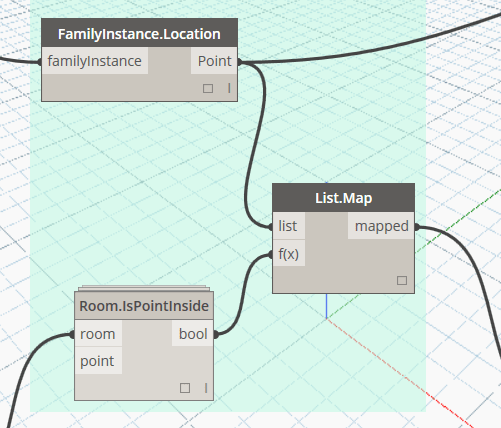
· Click Run and it will use Room.IsPointInside to check which Linked Room that Linked element resides in
· It will output list to Clipboard as a string that can be directly pasted to Excel
These list-to-string-to-clipboard (and vice versa) nodes allow for easy editing and re-running of a node, without having to handle CSV or Excel input / output. This is useful for quick investigations.

DYN: Download
 Dynamo Nodes