
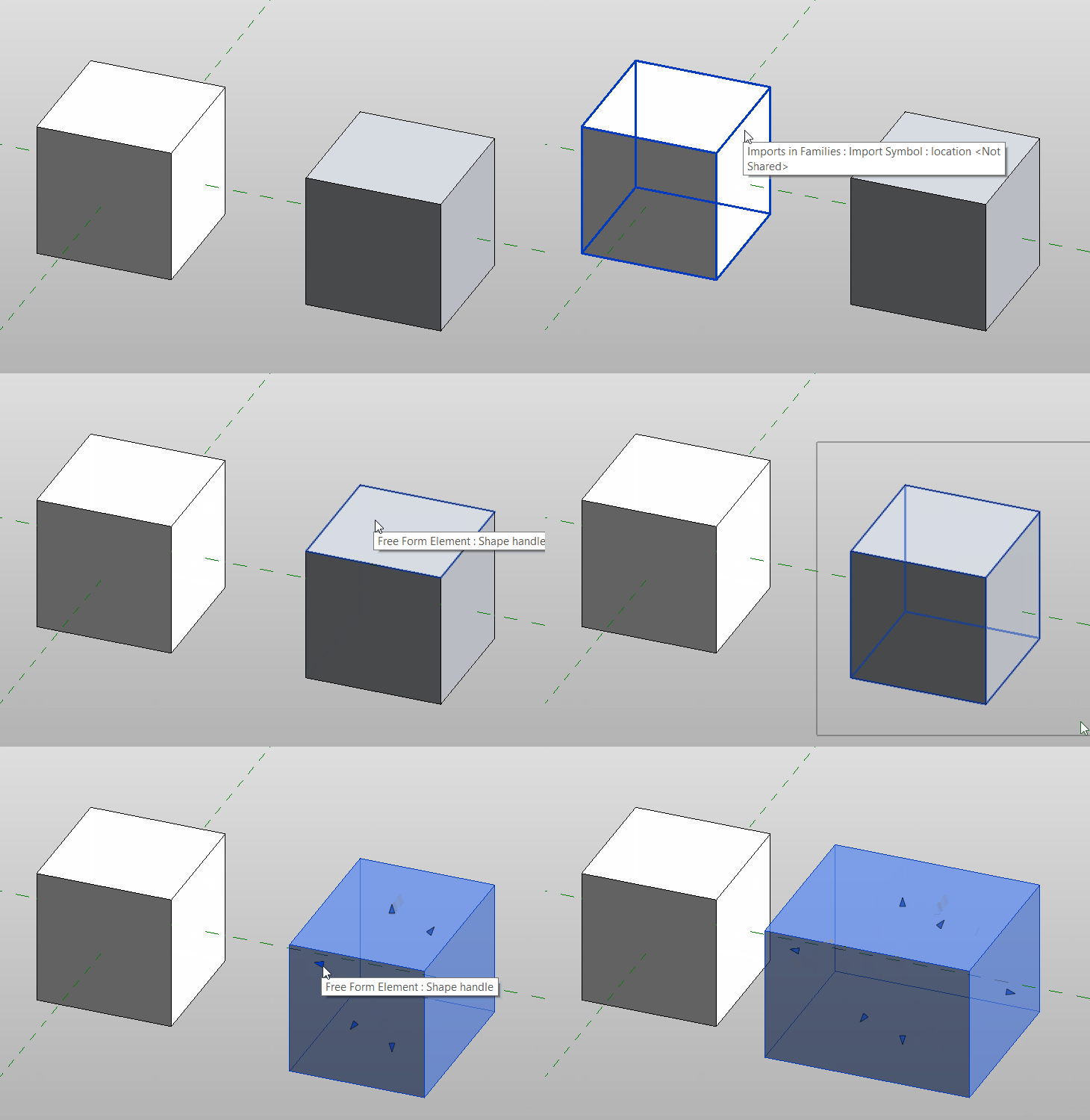
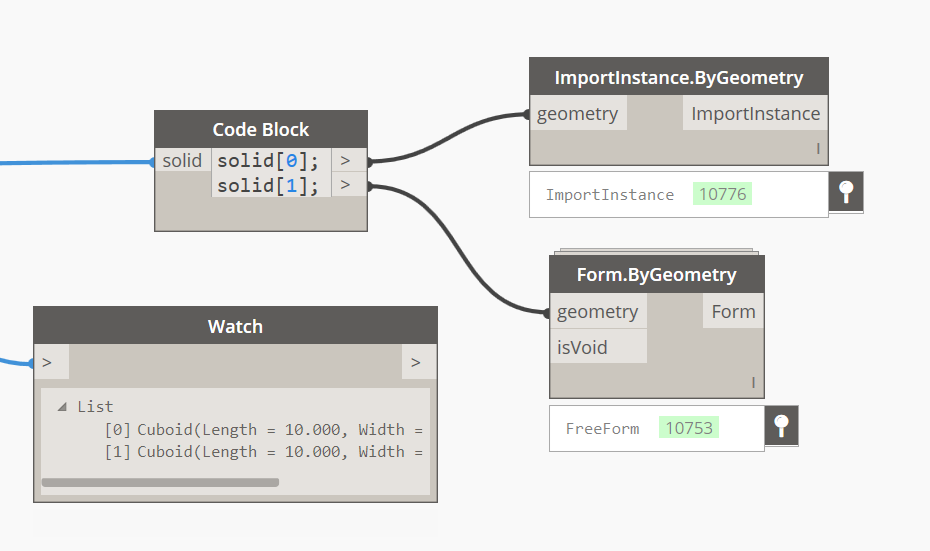
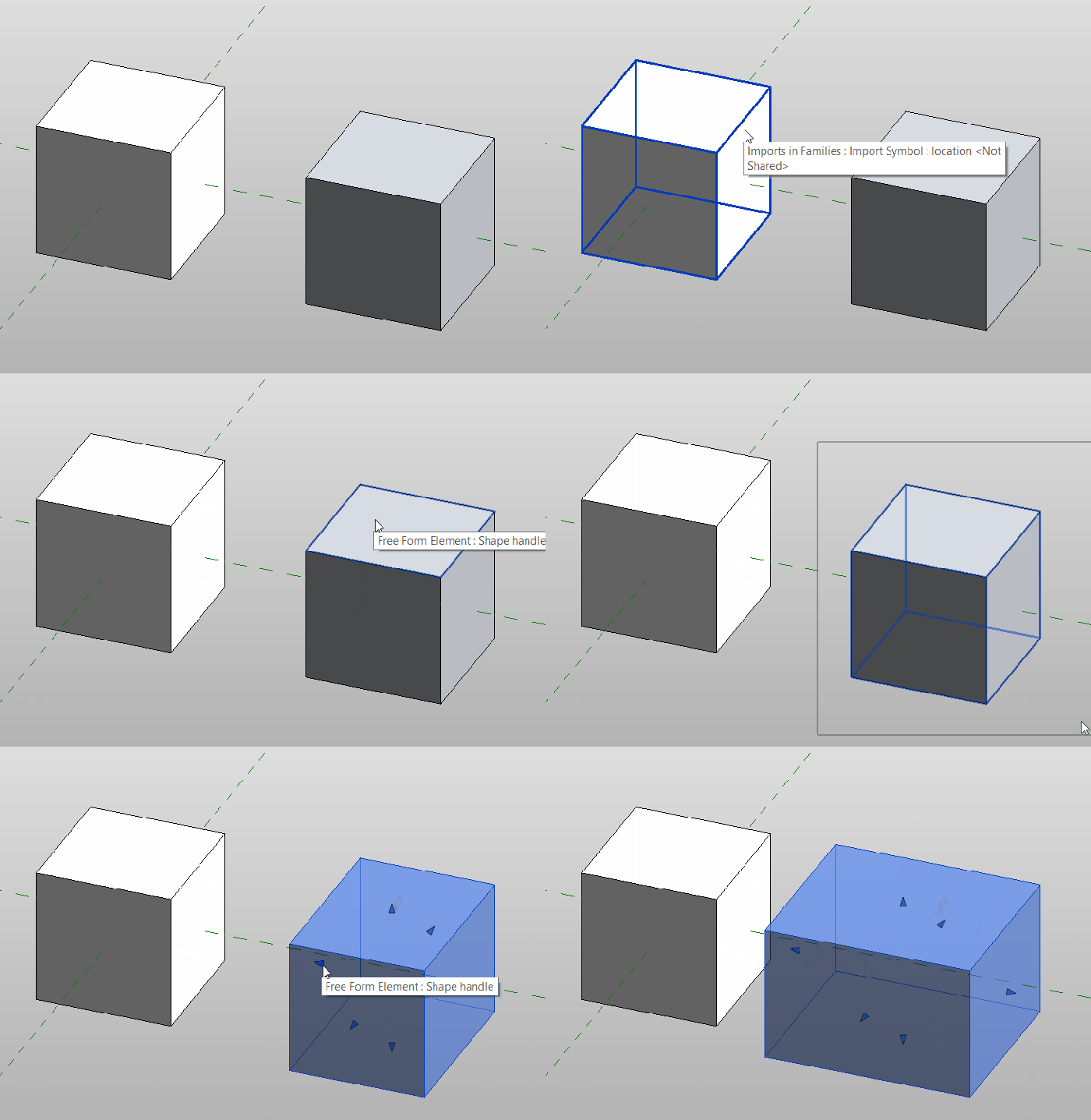
Form.ByGeometry “bakes” any solid, polysurface or surface passed into it into the active Revit family environment as a Free Form Element type (native Revit geometry). This should be used in the place of ImportInstance.ByGeometry in every instance. (a similar result can be achieved with the FamilyInstance.ByGeometry from a project level). In some cases you should even see handles appear which will allow you to manipulate the goemetry to some level once it is “baked” into Revit.
 Dynamo Nodes
Why is Form.ByGeometry by geometry no longer available in dynamo? Is it because it is actually a work flow between rhino and revit that works and dynamo want us to pay for it? What happened to ‘open source?’
Form.ByGeometry is not available by default in dynamo. You need to download the Spring Nodes packages in order to use it.
How I can make to dowload of the package?
All dynamo packages are available in the package manager under the Packages drop down menu in dynamo.
How I can to make download of the package Spring Nodes?
Hello, I am new to using dynamo.
I made a program to take geographic SHP files and pass them to forms.
The program works fine, but deforms the geometries.
If my revit file is in meters.
I found that if I put my file in feet, the process returns me the correct geometry. If I leave the file in meters, the geometry is scaled.
Is there a possibility that the node correctly takes the units in which one works, in my case meters, without having to put the units in feet?
I don’t know if this question is correct.
But if I don’t go from meters to feet in my file, the geometries are scaled and not created with the correct measurements.