
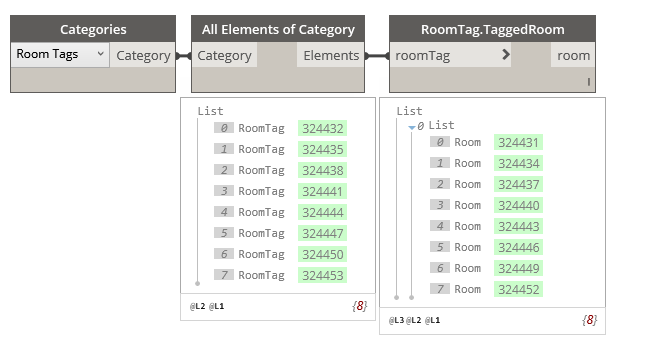
RoomTag.TaggedRoom
Dynamo Hierarchy: Rhythm>Revit>Elements>RoomTag>RoomTag.TaggedRoom
Description:
This node will retrieve the room the tag is hosted to.
Inputs:
roomTag: Element
Outputs:
room: Element
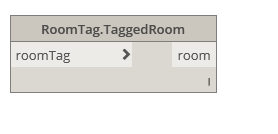
Dynamo Hierarchy: Rhythm>Revit>Elements>RoomTag>RoomTag.TaggedRoom
Description:
This node will retrieve the room the tag is hosted to.
Inputs:
roomTag: Element
Outputs:
room: Element
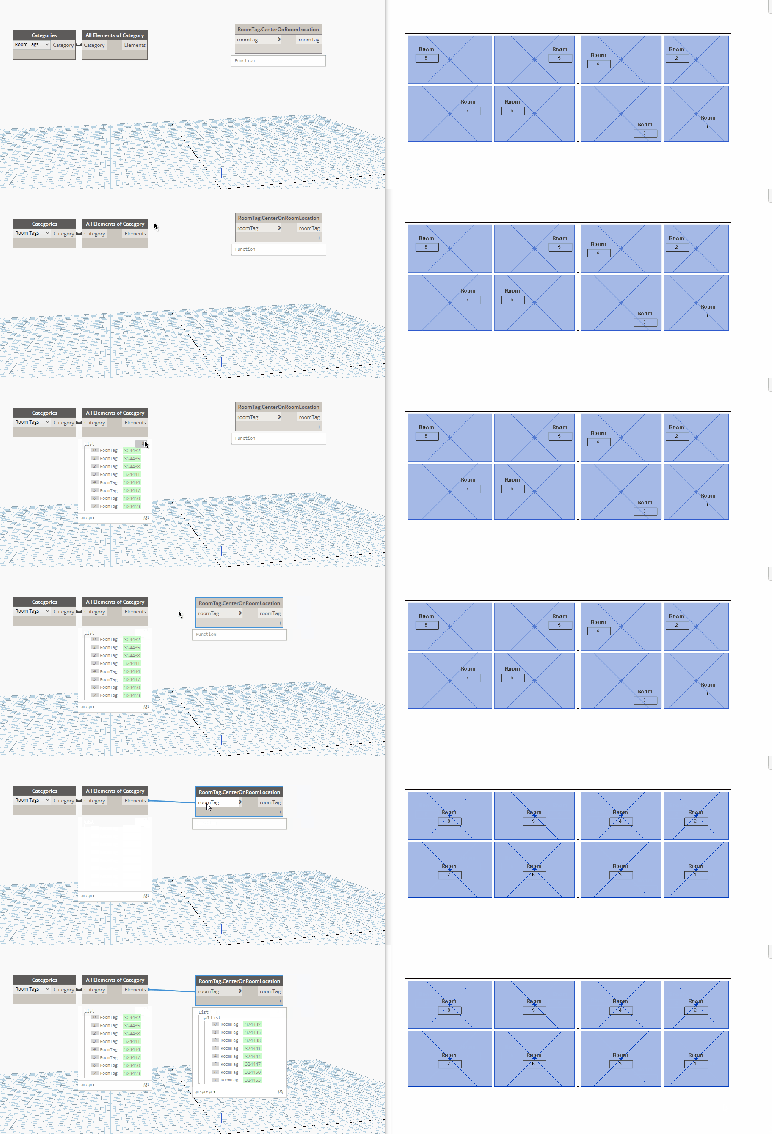
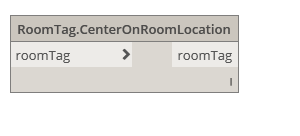
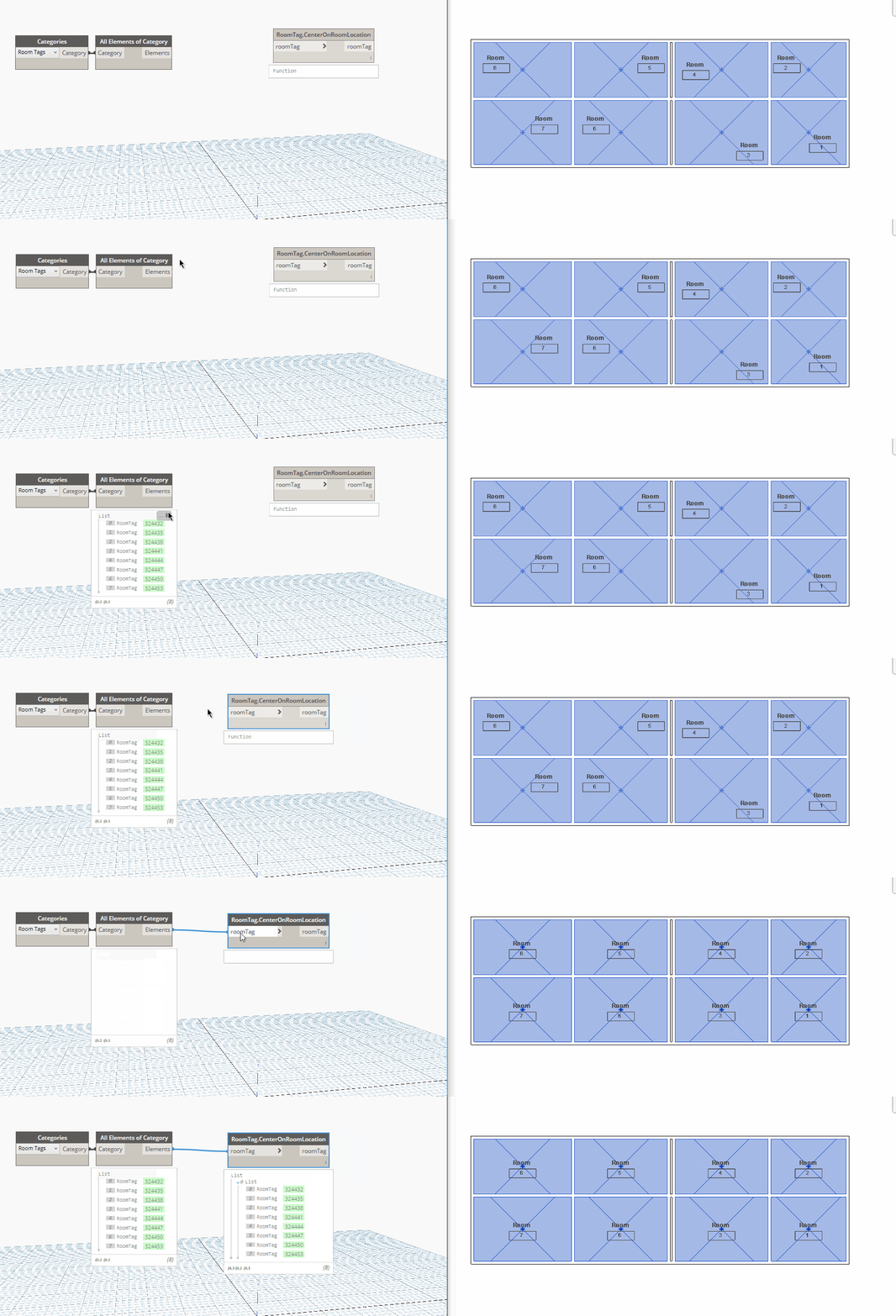
Dynamo Hierarchy: Rhythm>Revit>Elements>RoomTag>RoomTag.CenterOnRoomLocation
Description:
This node will set the room tag location the same as the room location. (Tip: Center rooms first with Room.CenterRoom)
Inputs:
roomTag: Element
Outputs:
roomTag: Element
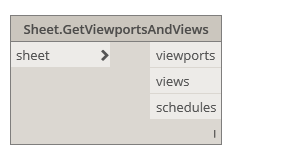
Dynamo Hierarchy: Rhythm>Revit>Elements>Sheet>Sheet.GetViewportsAndViews
Description:
This node will obtain viewports, views and schedules from a given sheet.
Inputs:
sheet: Sheet
Outputs:
viewports : Element
views : View
schedules : ViewSchedule

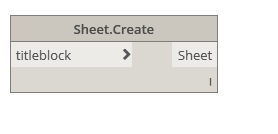
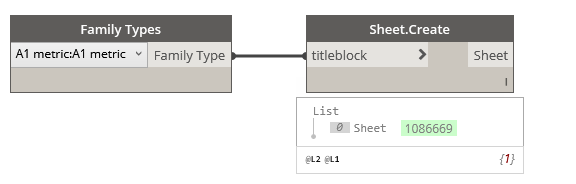
Dynamo Hierarchy: Rhythm>Revit>Elements>Sheet>Sheet.Create
Description:
Creates a new sheet. Uses the next available sheet number.
Inputs:
titleblock : FamilyType
Outputs:
Sheet : Element
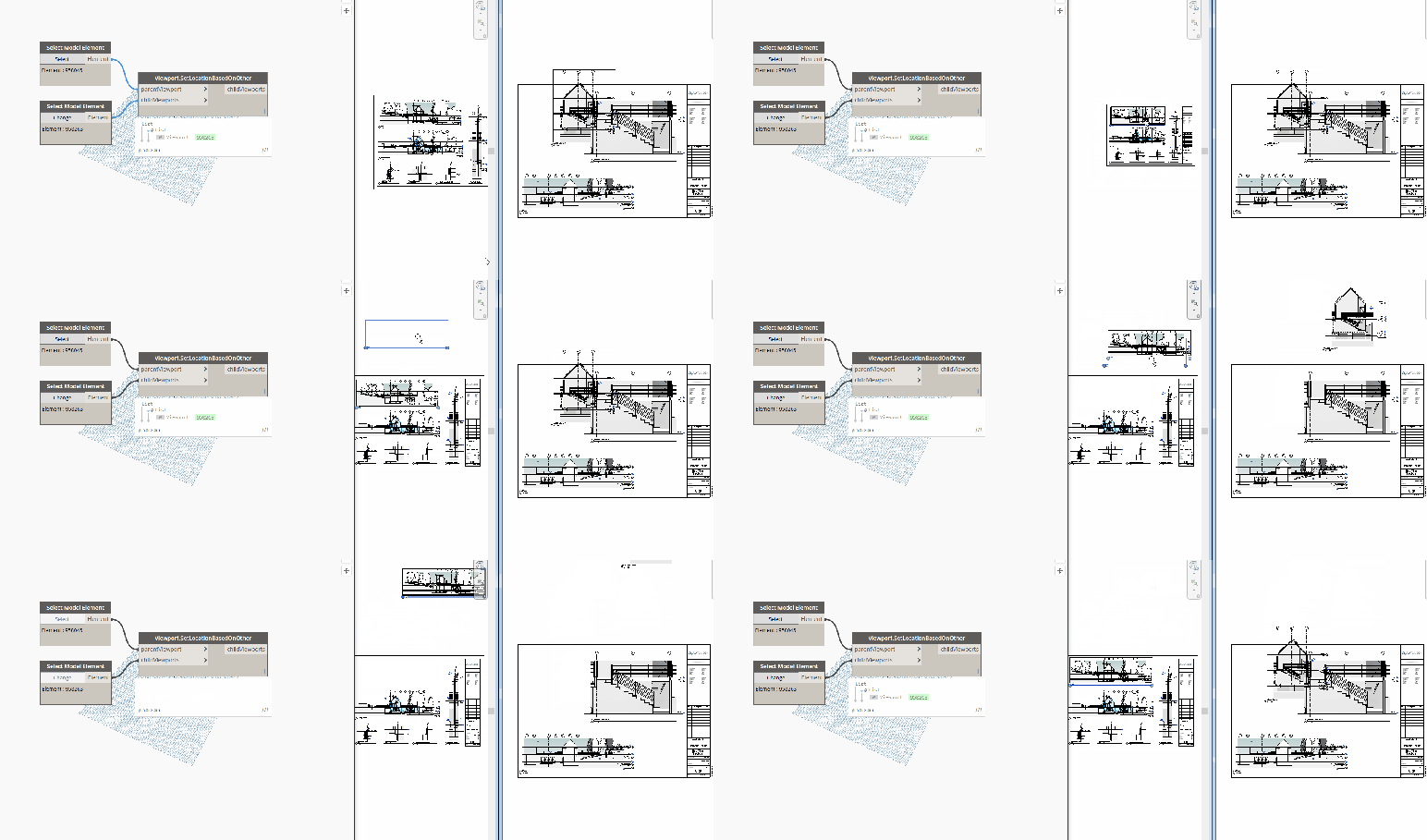
Dynamo Hierarchy: Rhythm>Revit>Elements>Viewport>Viewport.SetLocationBasedOnOther
Description:
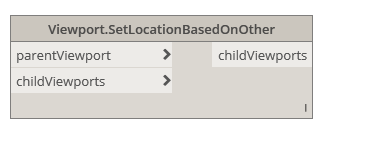
This node will set the child viewports box center given the parent viewport.
Inputs:
parentViewport : Element
childViewports : Element
Outputs:
childViewports : Element
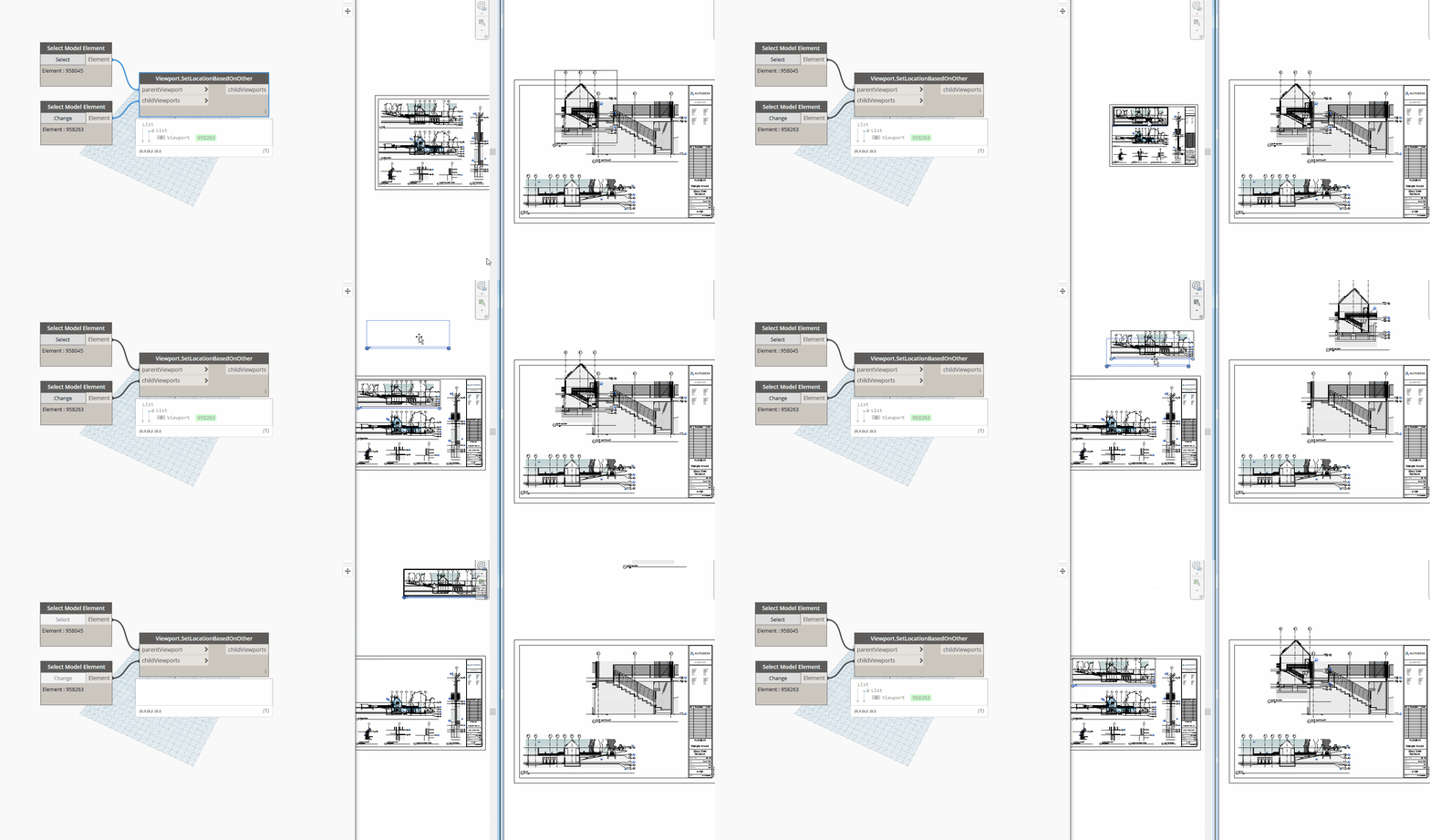

Dynamo Hierarchy: Rhythm>Revit>Elements>Viewport>Viewport.LocationData
Description:
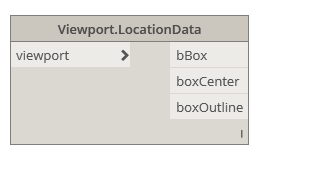
This node will obtain the box location data from the provided viewport.
Inputs:
viewport: Element
Outputs:
bBox: BoundingBox
boxCenter : Point
boxOutline : Curve

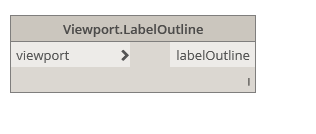
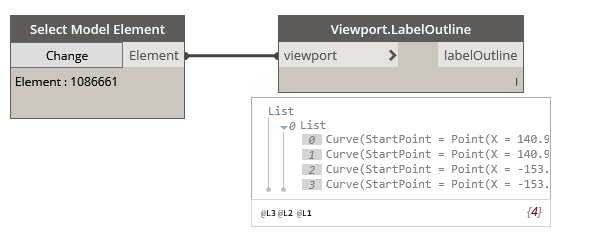
Dynamo Hierarchy: Rhythm>Revit>Elements>Viewport>Viewport.LabelOutline
Description:
This node will obtain the outline of the Viewport title if one is used. This is the label outline.
Inputs:
viewport: Element
Outputs:
labelOutline: Curve
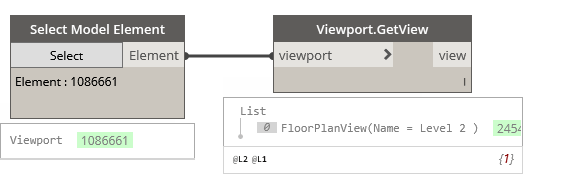
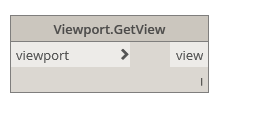
Dynamo Hierarchy: Rhythm>Revit>Elements>Viewport>Viewport.GetView
Description:
This node will obtain the view from the given viewport.
Inputs:
viewPort: Element
Outputs:
view: Element

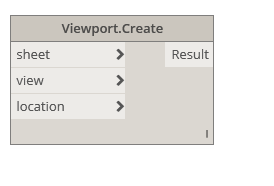
Dynamo Hierarchy: Rhythm>Revit>Elements>Viewport>Viewport.Create
Description:
This node will place the given view on the given sheet, if possible. For floor plan views: They cannot be on any other sheets. Now supports schedules!
Inputs:
sheet : Element
view : Element
location : Point
Outputs:
Result : Element

UPDATE- This node location is identified below. This is in the latest version of the Rhythm package. Another consideration is that Rhythm is only fully supported for Dynamo 1.3.3+ and Revit 2017+.

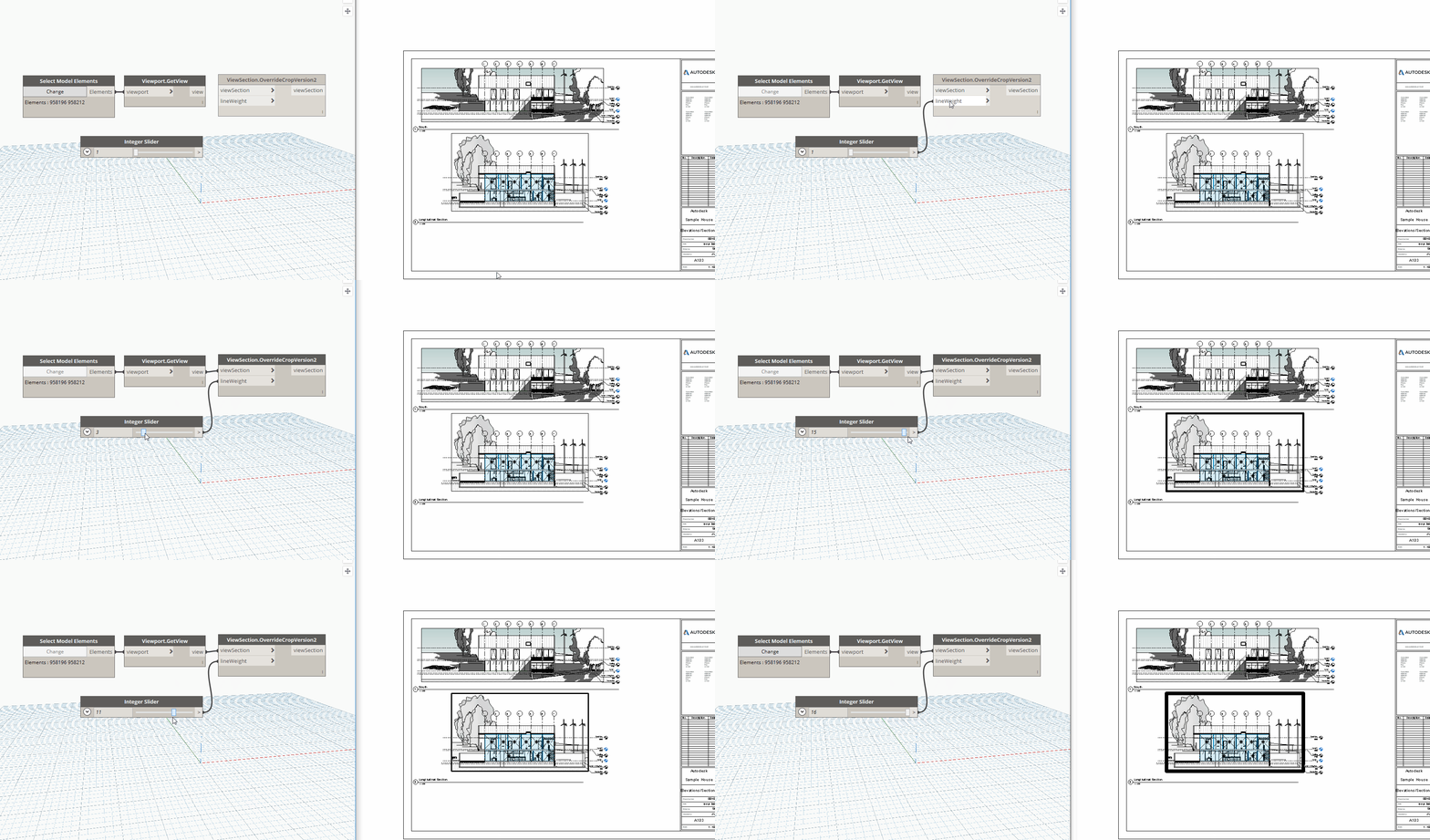
Dynamo Hierarchy: Rhythm>Revit>Elements>ViewSection>ViewSection.OverrideCropVersion2
Description:
This node will override the crop region of the given section view based on the pen weight provided. This is the faster version that works with interior elevations primarily.
Inputs:
viewSection : Element
lineweight : int
Outputs:
viewSection : Element
 Dynamo Nodes