
Dynamo file : http://adf.ly/1bISL0
via Hexabim
This node allows you to batch-set View Discipline for a list of Revit Views.

View Discipline is pretty important, as this post shows.
In Revit, the View Discipline property is stored as a hash code of the main discipline list (Architectural, Structural, Mechanical, Electrical, Plumbing, Coordination). If you try using GetParameterValueByName, Dynamo will return this hash code.
Bakery package now includes these nodes for View Discipline management:
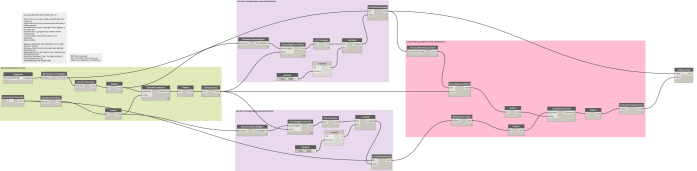
This Post is show you how to get link elements , find Geometry intersection pairs and set the parameter of elements.
For the lager project that split the different part of link revit project would be very useful.
First you need to operating the Dynamo on Fmaily side Project, because the parameter need to be editable.
And following Package need.
1.Steam Node (1.0.0)
2.Clockwork for Dynamo 1.x (1.0.2)
Basic Workflow :

The Dynamo workflow file can be downloaded from here

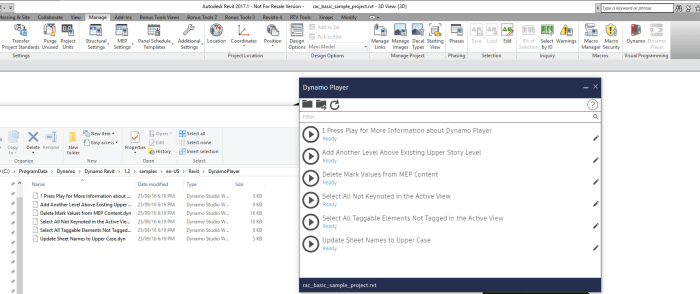
With Revit 2017 Update 1, the Dynamo Player is now available to run DYN files from a monitored folder directly, without opening the Dynamo application.
Read more about this new release at:
This converts the GUID from the IFC version to the .NET version.

This node is an adaptation of code at https://github.com/hakonhc/IfcGuid/blob/master/IfcGuid/IfcGuid.cs

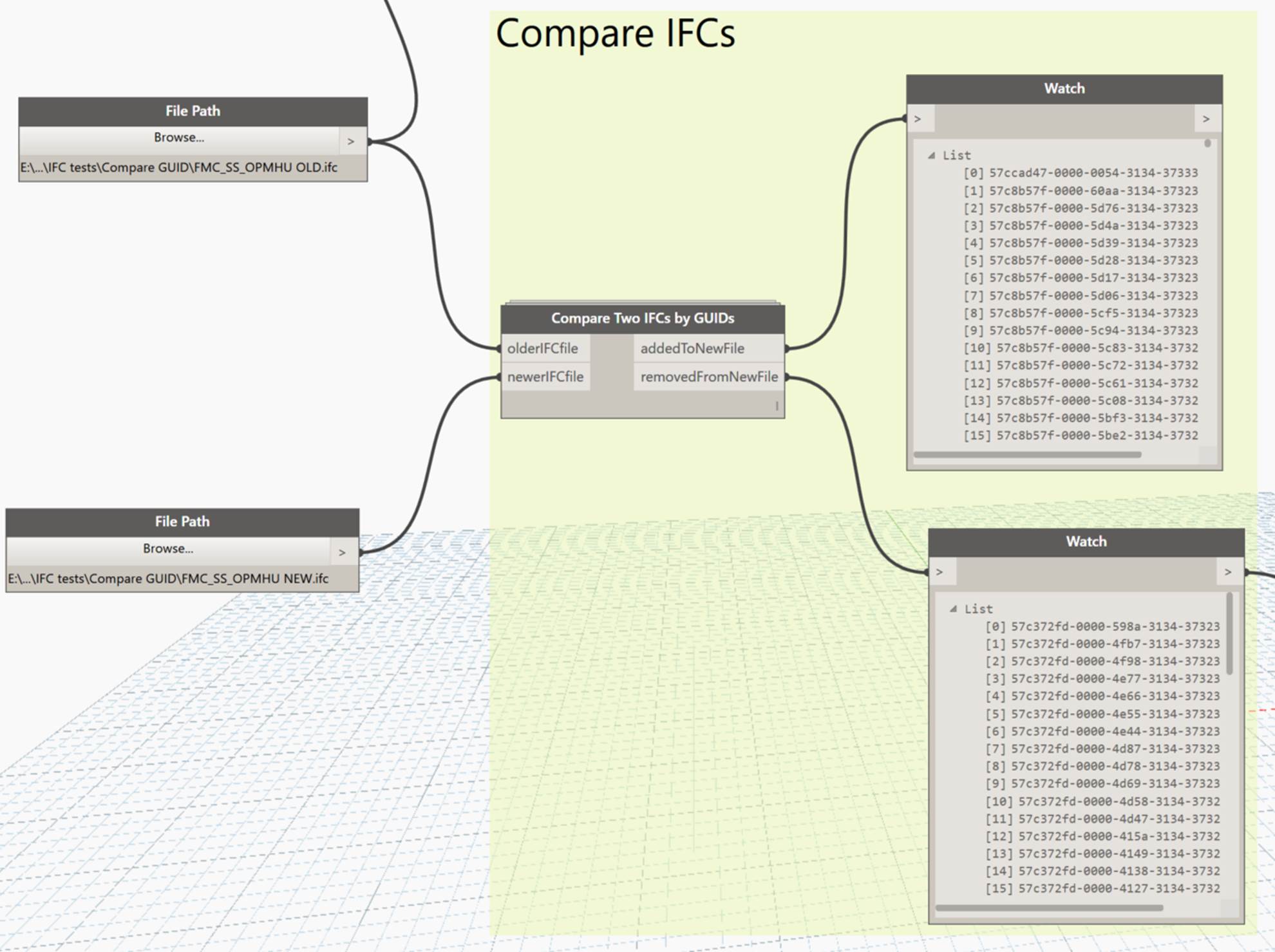
This node grabs the ID values from two IFC files and tries to report the new or deleted items.
This node snips out the ‘ID’ component from an IFC file through simple text methods.


Updated:
Hello folks
It’s been a long time since my last post. Today we will use a new technique to get the intersection polygons between Structural Framing and Ducts in Revit using Dynamo.
This topic has been inspired by Matt Wash and we will use the Location Curve property of Line Based families to get the plane at which the intersection points exist. Then we will use this plane to get the intersection polygon from the Ducts.
As we have the polygons we can pass it to the Python script node to let the magic begin.

The sample Revit project file can be downloaded from here.
The Dynamo workflow can be downloaded from here.
For more free Dynamo tutorials please visit us on Facebook: BIM Oasis
 Dynamo Nodes