ViewSection.OverrideCrop

ViewSection.OverrideCrop

Dynamo Hierarchy: Rhythm>Revit>Elements>ViewSection>ViewSection.OverrideCrop

Description:

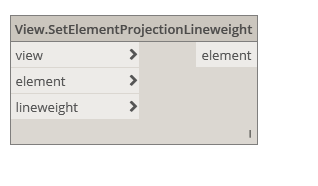
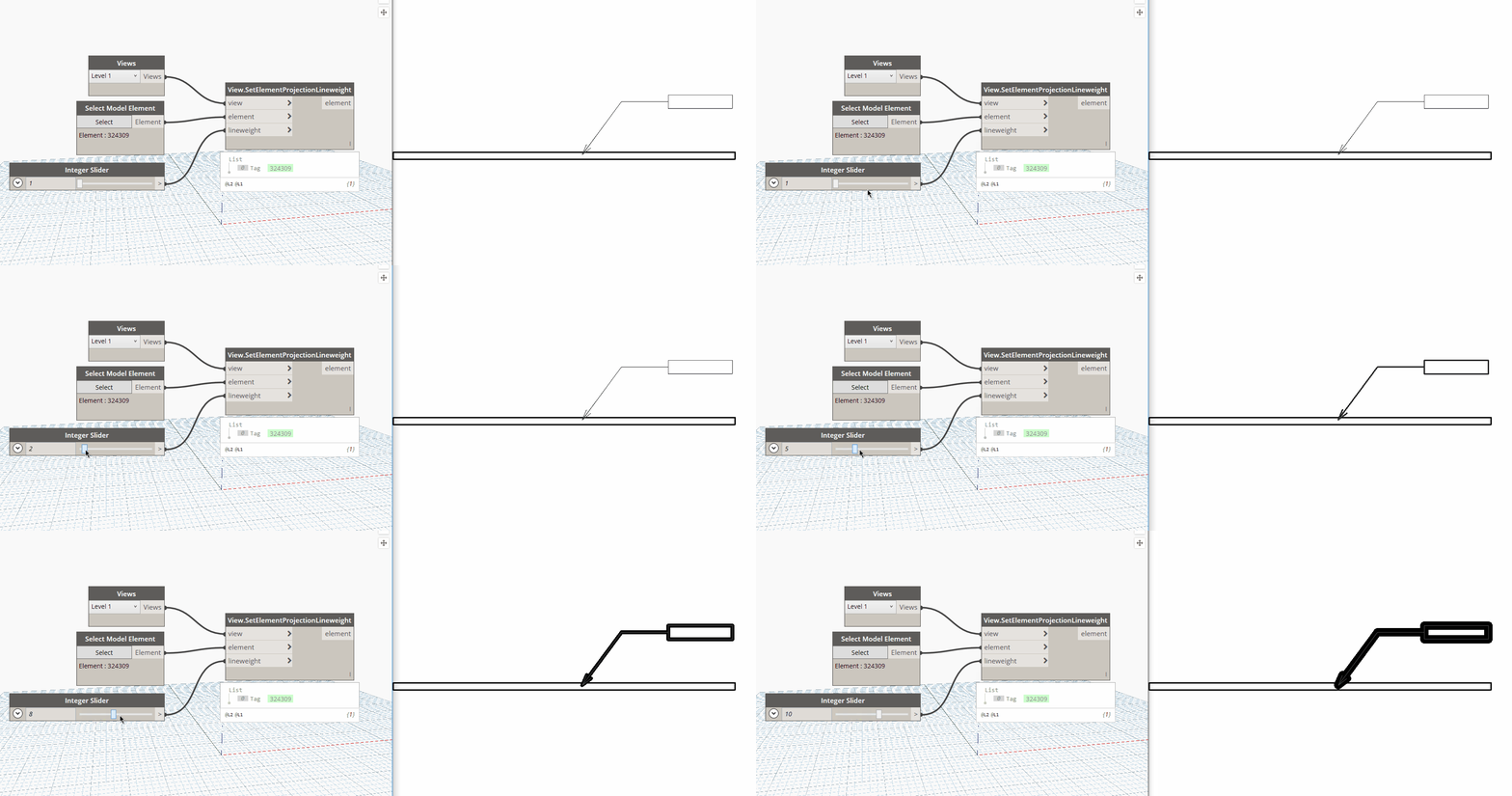
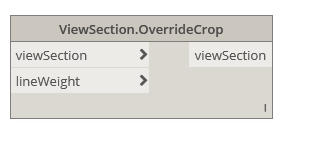
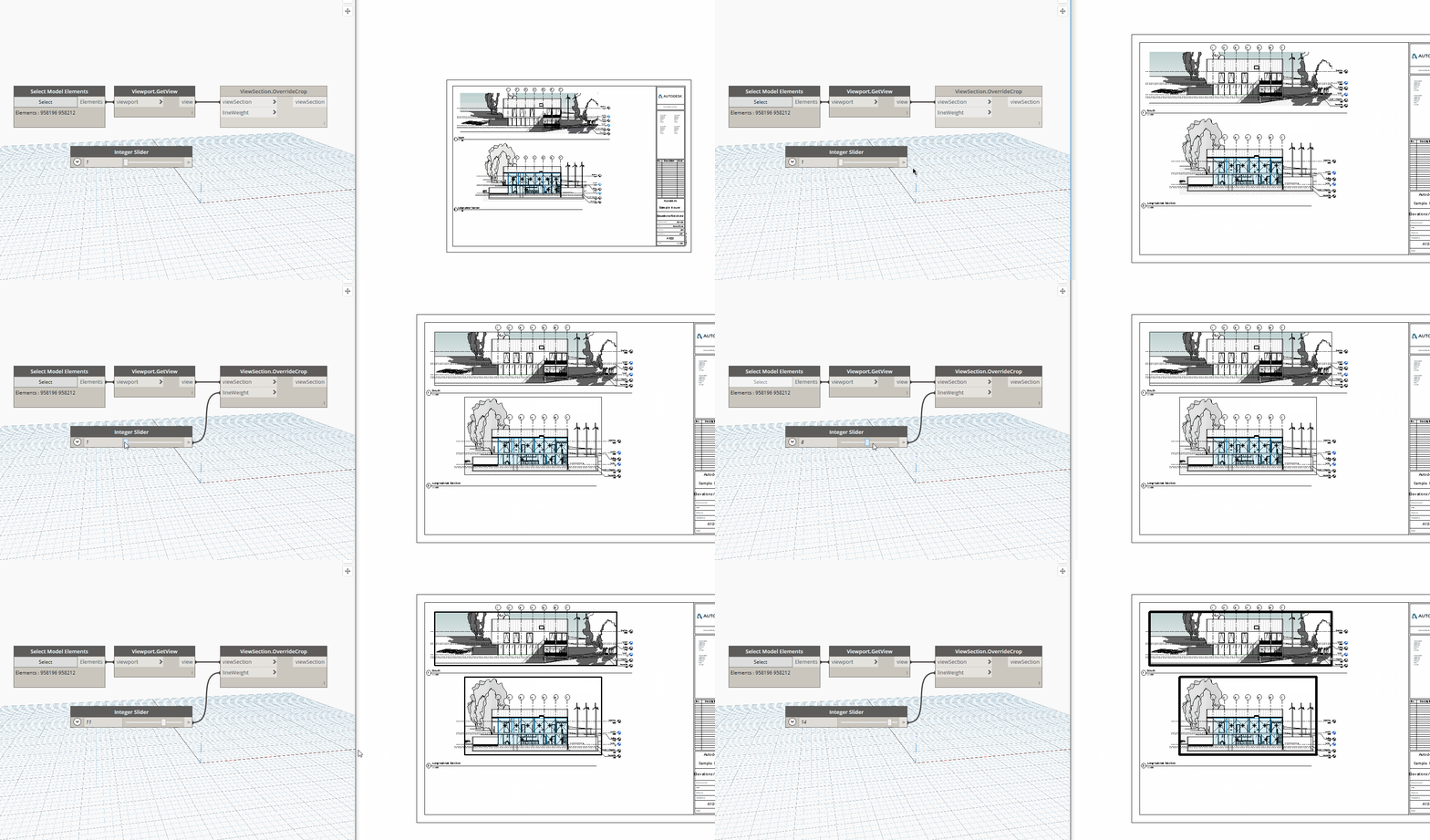
This node will override the crop region of the given section view based on the pen weight provided. Slower but more reliable version that uses transaction rollback to isolated the crop region element.

Inputs:

viewSection : Element

lineweight : int

Outputs:

viewSection : Element
ViewPlan.Rotate

ViewPlan.Rotate

Dynamo Hierarchy: Rhythm>Revit>Elements>ViewPlan>ViewPlan.Rotate

Description:

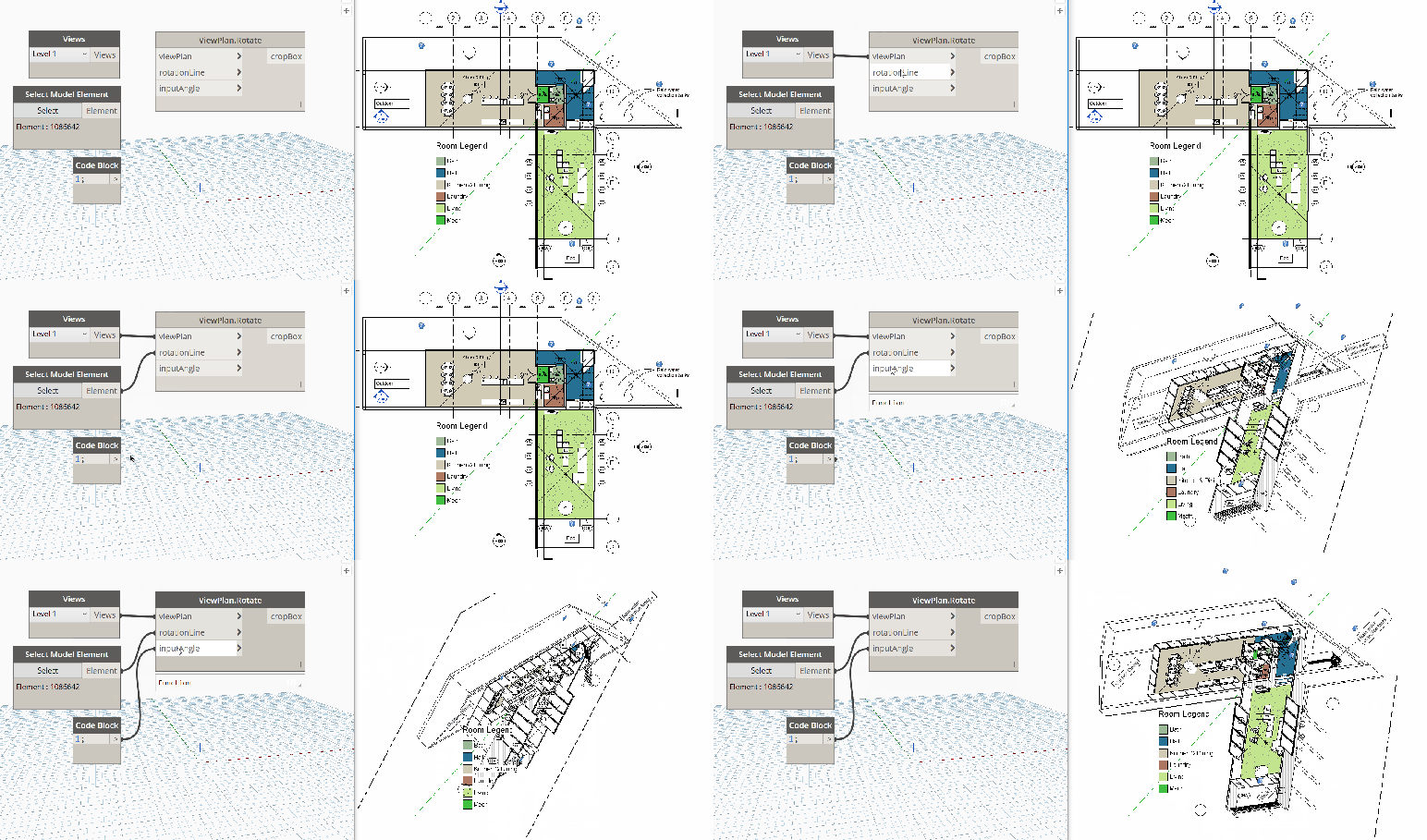
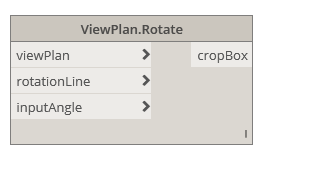
This node will attempt to rotate the plan view into 3d. Use at your own risk! Built as a proof of concept based on a tweet from Luke Johnson.

Inputs:

viewPlan: Element

rotationLine : Curve

inputAngle : double

Outputs:

cropBox: BoundingBoxXYZ

ViewPlan.GetCropBox

ViewPlan.GetCropBox

Dynamo Hierarchy: Rhythm>Revit>Elements>ViewPlan>ViewPlan.GetCropBox

Description:

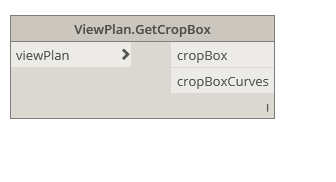
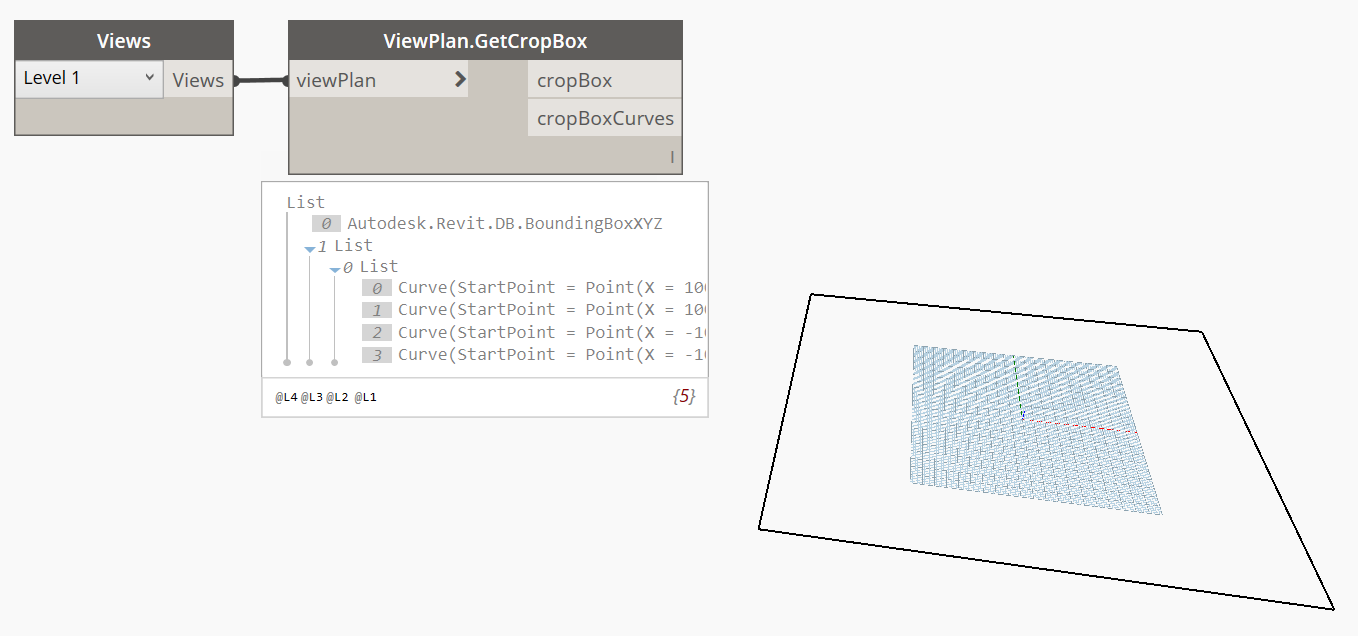
This node will get the bounds of the view in paper space (in feet).

Inputs:

viewPlan: Element

Outputs:

cropBox: BoundingBoxXYZ

cropBoxCurves: Curve

View3D.SetSectionBox

View3D.SetSectionBox

Dynamo Hierarchy: Rhythm>Revit>Elements>View3D>View3D.SetSectionBox

Description:

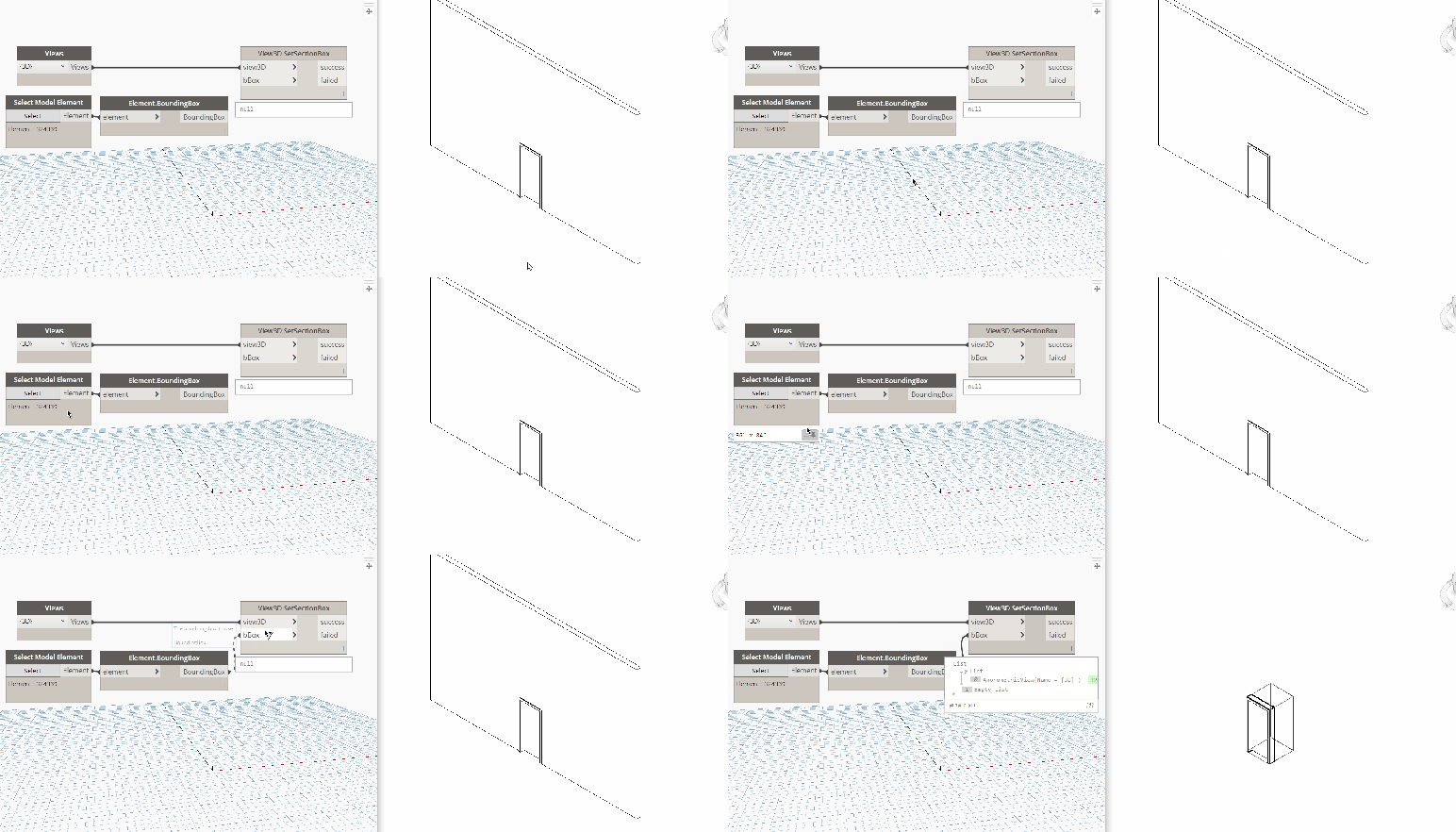
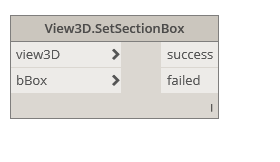
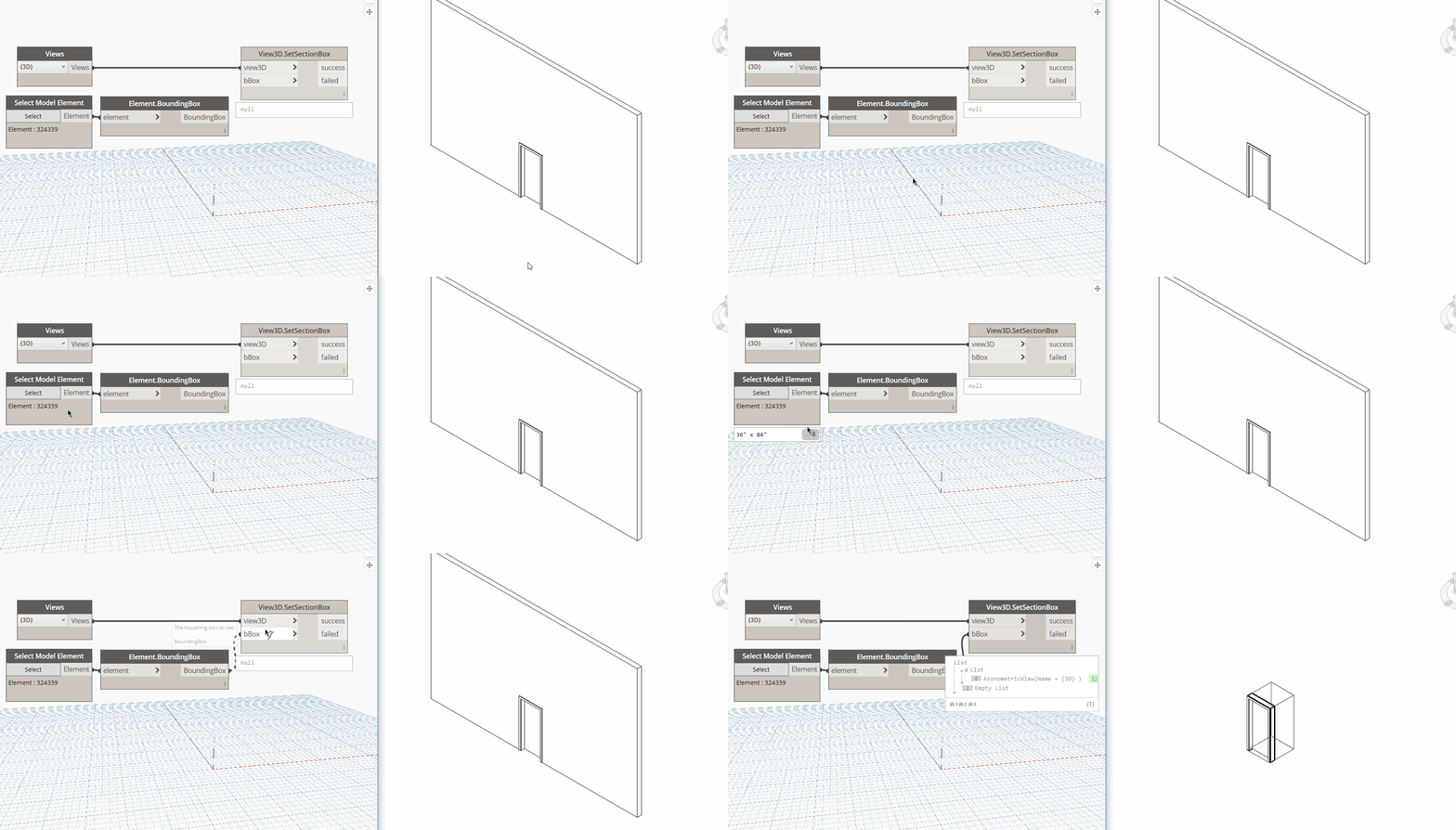
This node will set the given 3D view’s section box given a bounding box.

Inputs:

view3D: Element

bBox : BoundingBox

Outputs:

success: Element

failed : Element

Rhythm.WhatTheNode

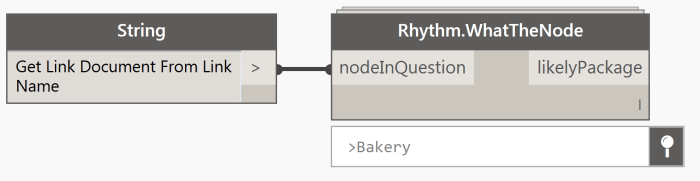
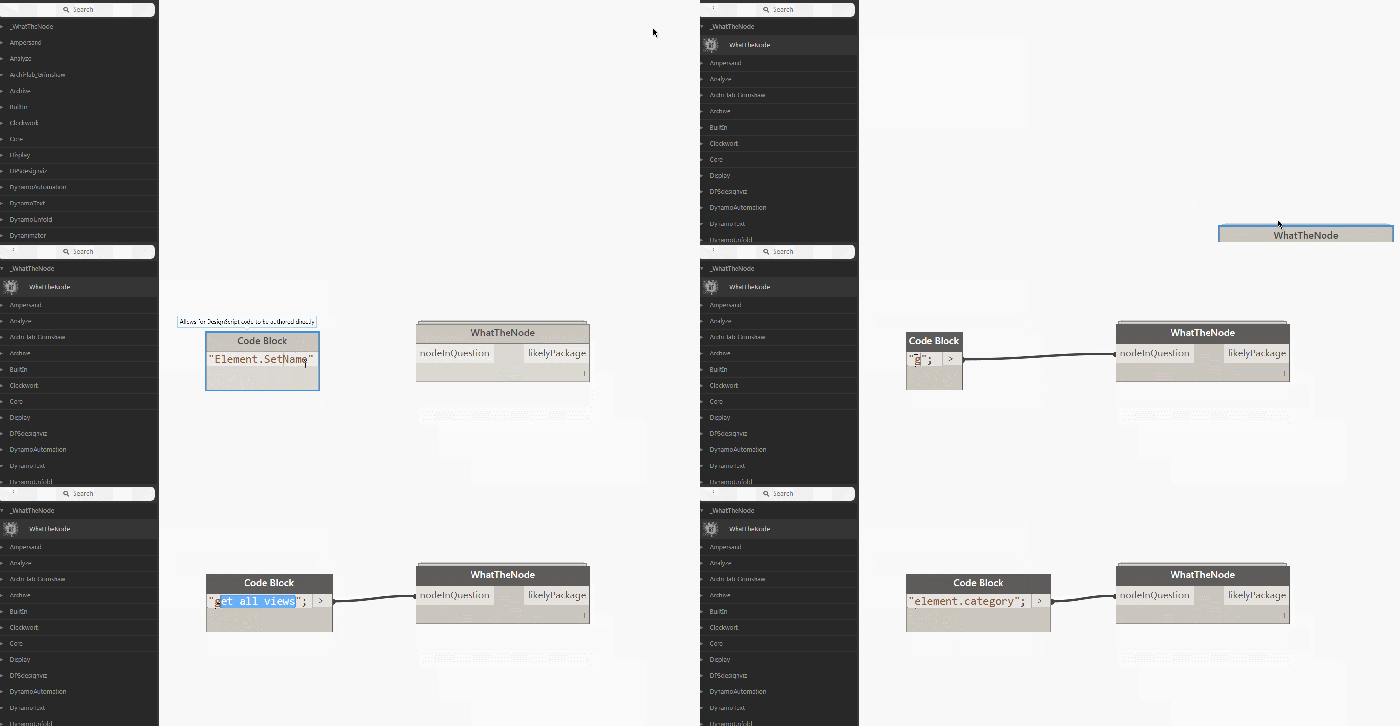
The question of where a custom node comes from comes up on the forums pretty often, so I figured it was time for a solution. Well thanks to dynamonodes.com we now have an index for most packages available on the package manager.

2016-05-24 13_52_46-Dynamo


https://screencast.autodesk.com/Embed/Timeline/4562c4e0-e882-4a6a-83b8-09a0f8d5ecdd

Source: http://sixtysecondrevit.blogspot.com/2016/05/dynamobim-what-node.html


*Edit – I went ahead and published this as its own package as well to enable easier location of this node.

whatTheNode