
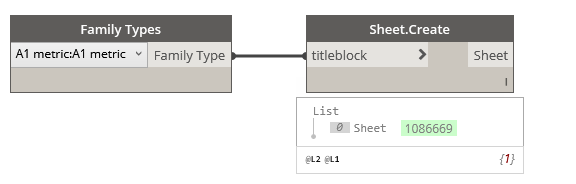
Sheet.Create
Dynamo Hierarchy: Rhythm>Revit>Elements>Sheet>Sheet.Create
Description:
Creates a new sheet. Uses the next available sheet number.
Inputs:
titleblock : FamilyType
Outputs:
Sheet : Element
Dynamo Hierarchy: Rhythm>Revit>Elements>Sheet>Sheet.Create
Description:
Creates a new sheet. Uses the next available sheet number.
Inputs:
titleblock : FamilyType
Outputs:
Sheet : Element
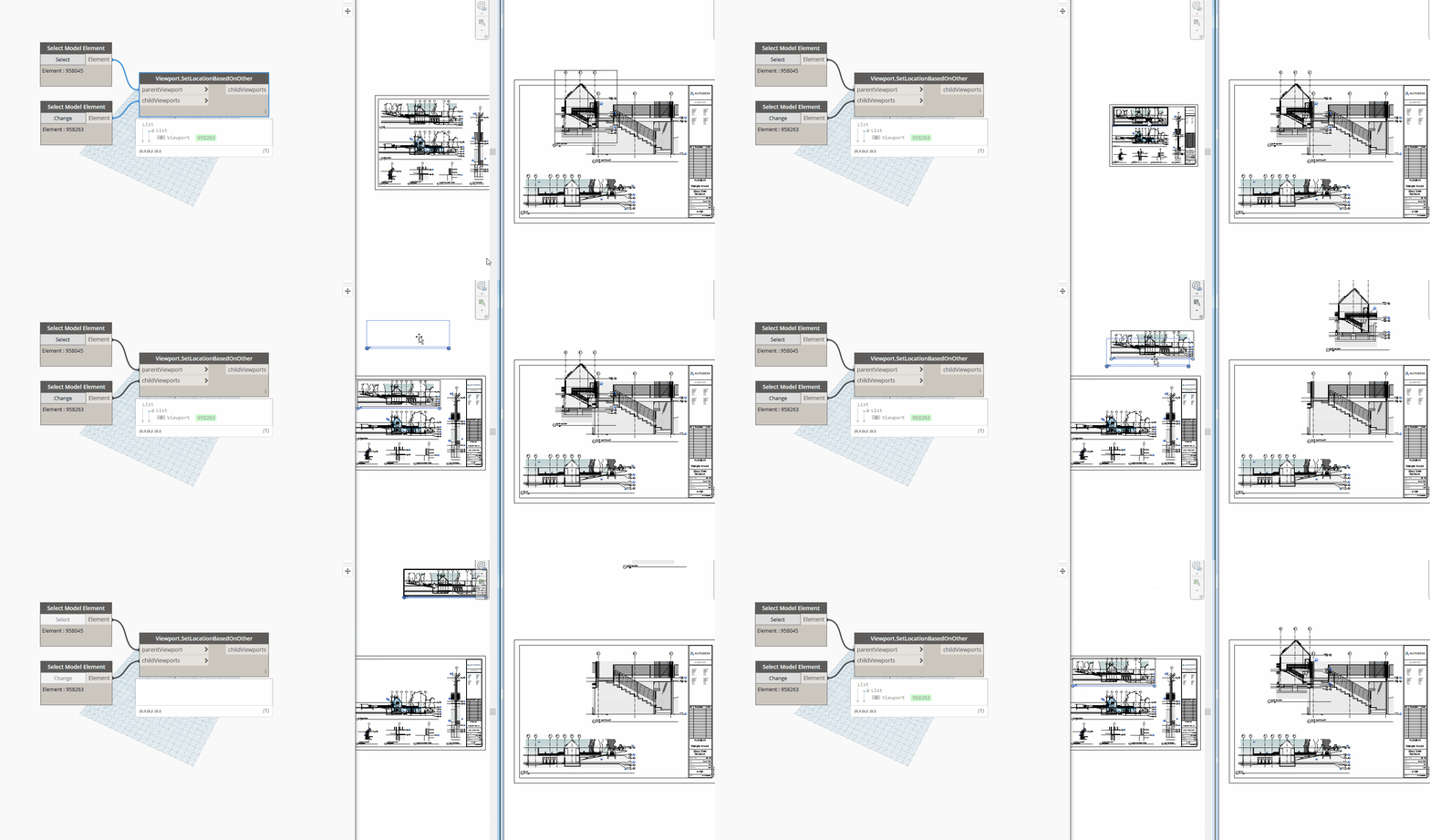
Dynamo Hierarchy: Rhythm>Revit>Elements>Viewport>Viewport.SetLocationBasedOnOther
Description:
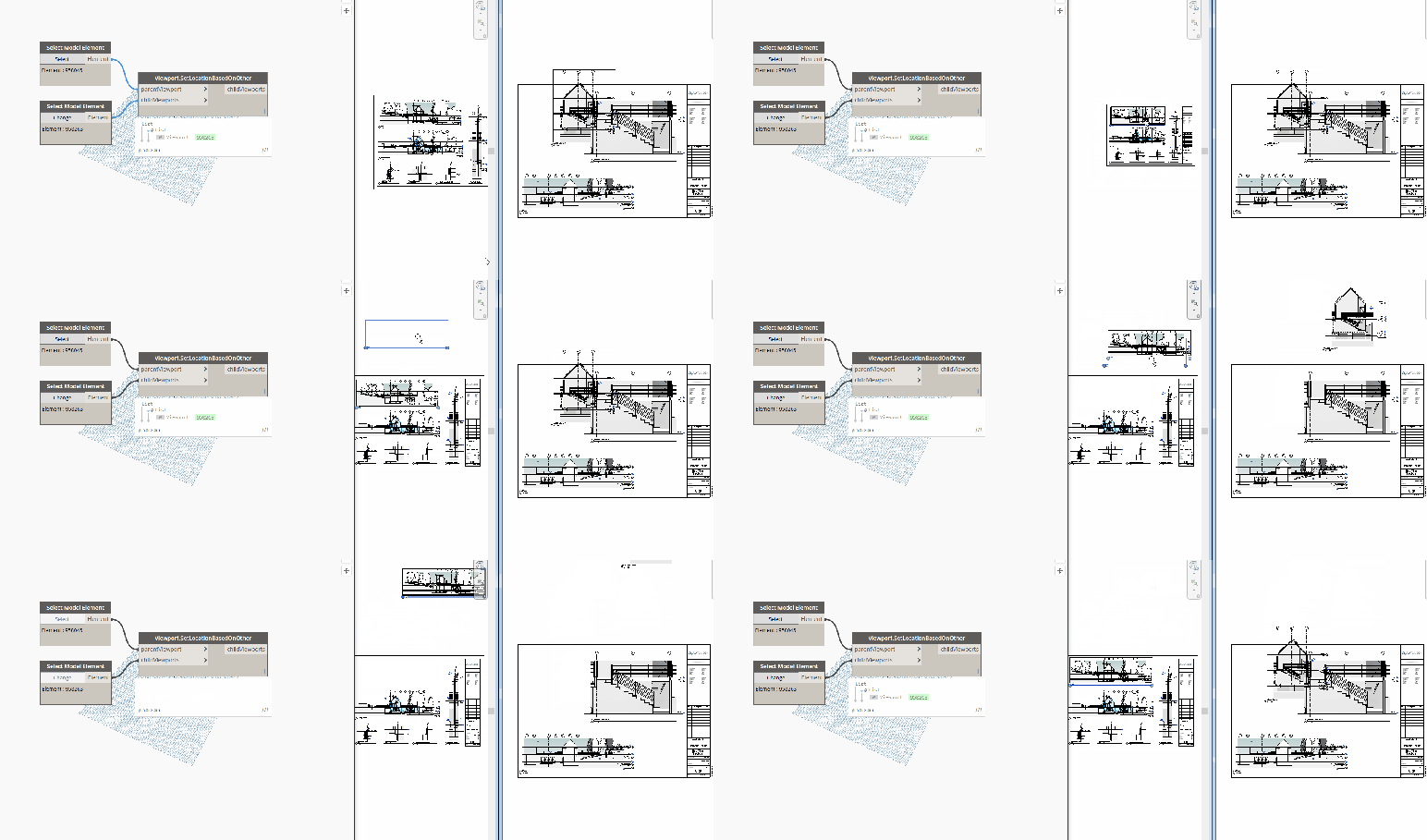
This node will set the child viewports box center given the parent viewport.
Inputs:
parentViewport : Element
childViewports : Element
Outputs:
childViewports : Element

Dynamo Hierarchy: Rhythm>Revit>Elements>Viewport>Viewport.LocationData
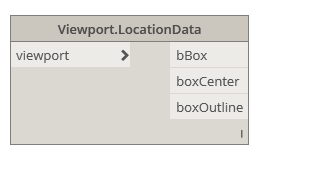
Description:
This node will obtain the box location data from the provided viewport.
Inputs:
viewport: Element
Outputs:
bBox: BoundingBox
boxCenter : Point
boxOutline : Curve

Dynamo Hierarchy: Rhythm>Revit>Elements>Viewport>Viewport.LabelOutline
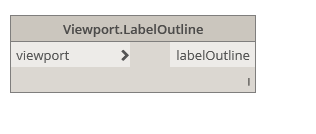
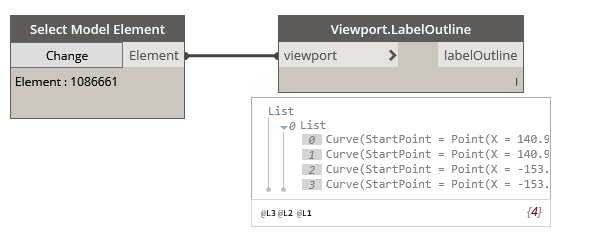
Description:
This node will obtain the outline of the Viewport title if one is used. This is the label outline.
Inputs:
viewport: Element
Outputs:
labelOutline: Curve
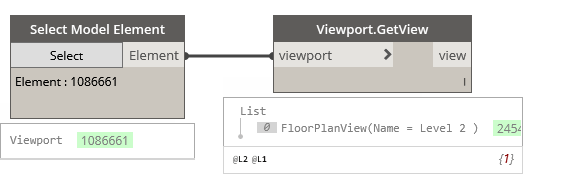
Dynamo Hierarchy: Rhythm>Revit>Elements>Viewport>Viewport.GetView
Description:
This node will obtain the view from the given viewport.
Inputs:
viewPort: Element
Outputs:
view: Element

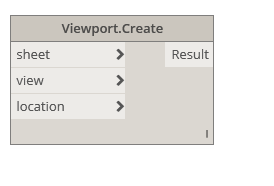
Dynamo Hierarchy: Rhythm>Revit>Elements>Viewport>Viewport.Create
Description:
This node will place the given view on the given sheet, if possible. For floor plan views: They cannot be on any other sheets. Now supports schedules!
Inputs:
sheet : Element
view : Element
location : Point
Outputs:
Result : Element

UPDATE- This node location is identified below. This is in the latest version of the Rhythm package. Another consideration is that Rhythm is only fully supported for Dynamo 1.3.3+ and Revit 2017+.

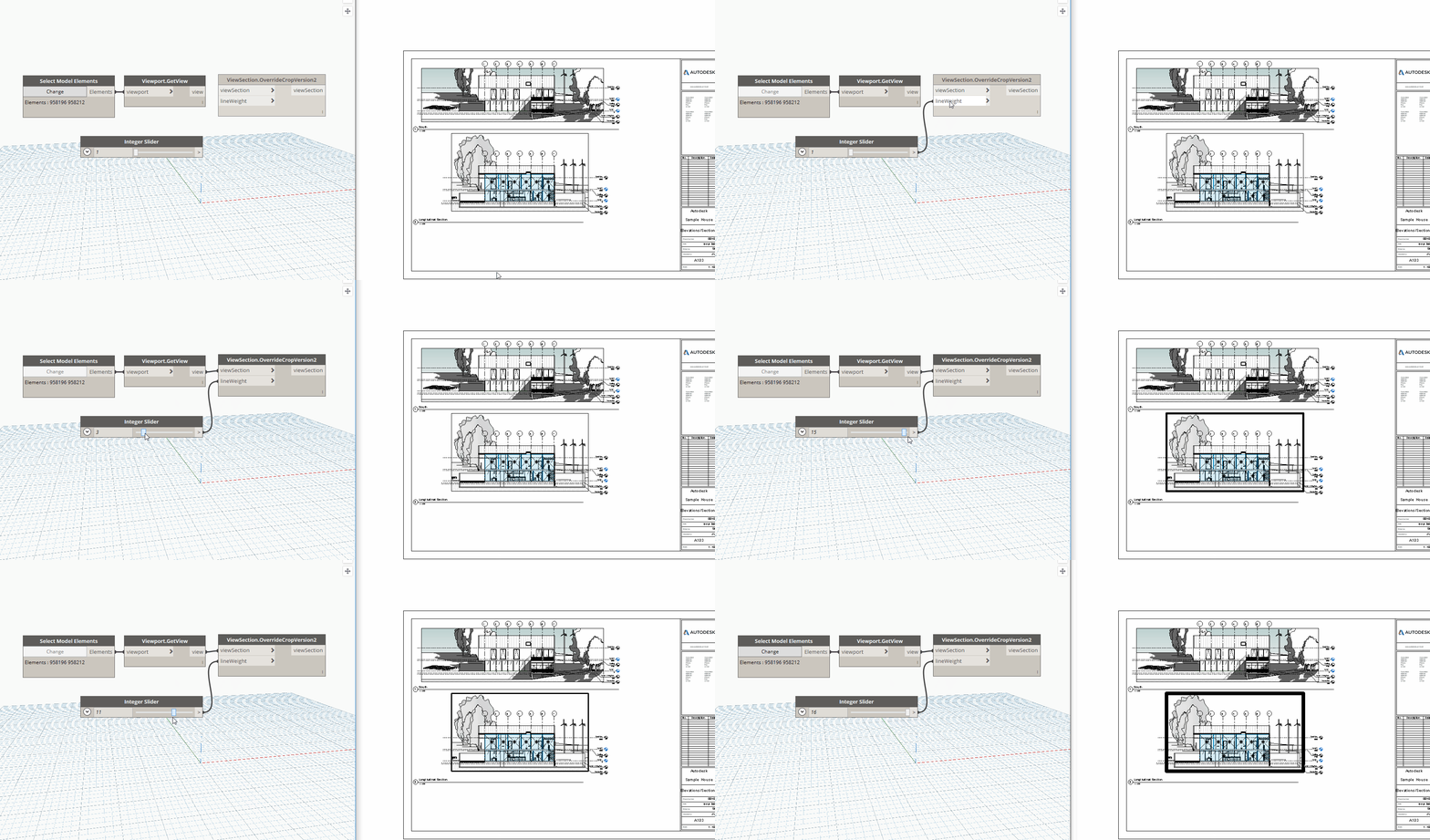
Dynamo Hierarchy: Rhythm>Revit>Elements>ViewSection>ViewSection.OverrideCropVersion2
Description:
This node will override the crop region of the given section view based on the pen weight provided. This is the faster version that works with interior elevations primarily.
Inputs:
viewSection : Element
lineweight : int
Outputs:
viewSection : Element
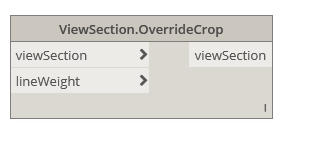
Dynamo Hierarchy: Rhythm>Revit>Elements>ViewSection>ViewSection.OverrideCrop
Description:
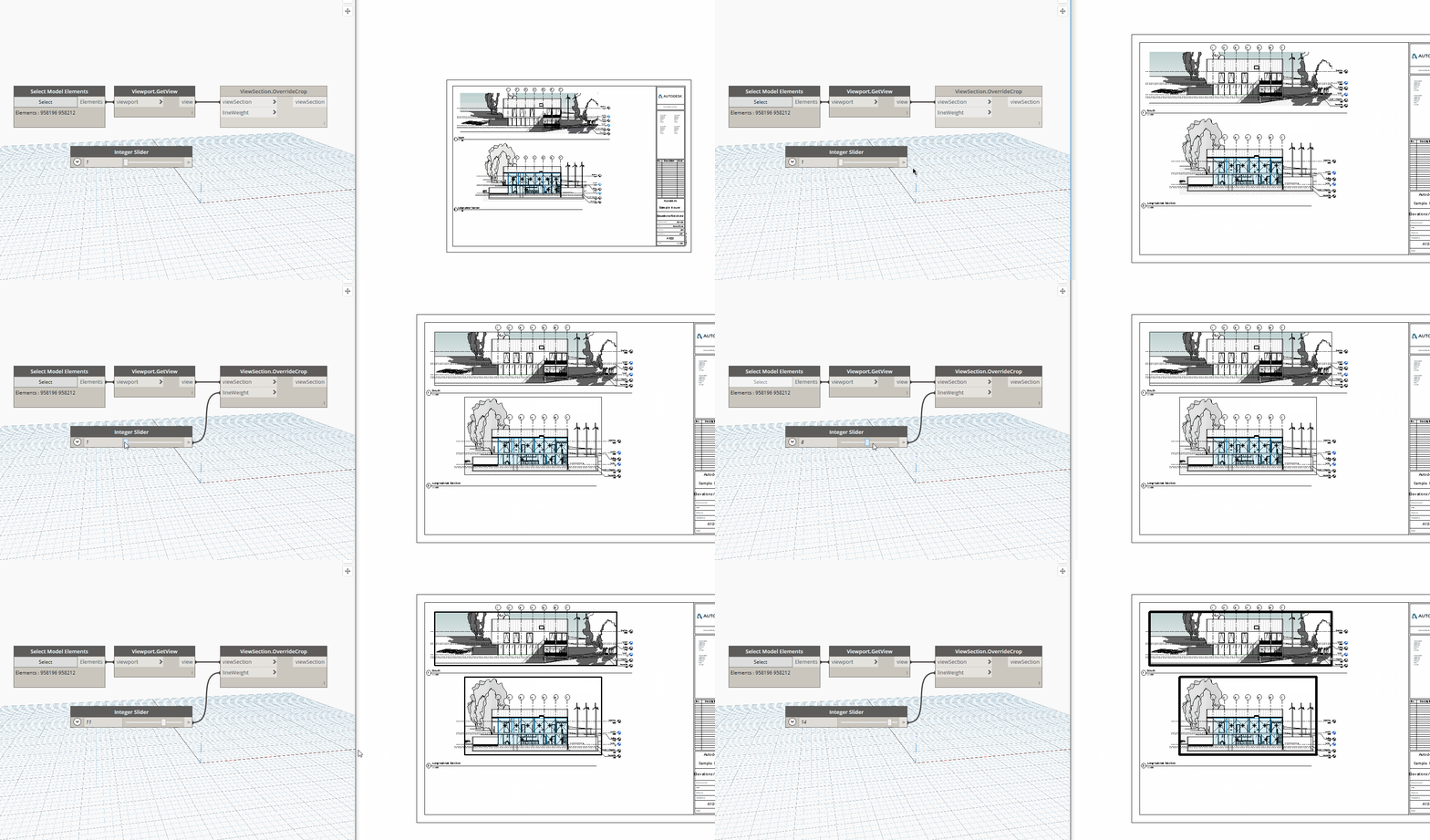
This node will override the crop region of the given section view based on the pen weight provided. Slower but more reliable version that uses transaction rollback to isolated the crop region element.
Inputs:
viewSection : Element
lineweight : int
Outputs:
viewSection : Element
Dynamo Hierarchy: Rhythm>Revit>Elements>ViewPlan>ViewPlan.Rotate
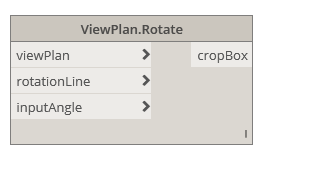
Description:
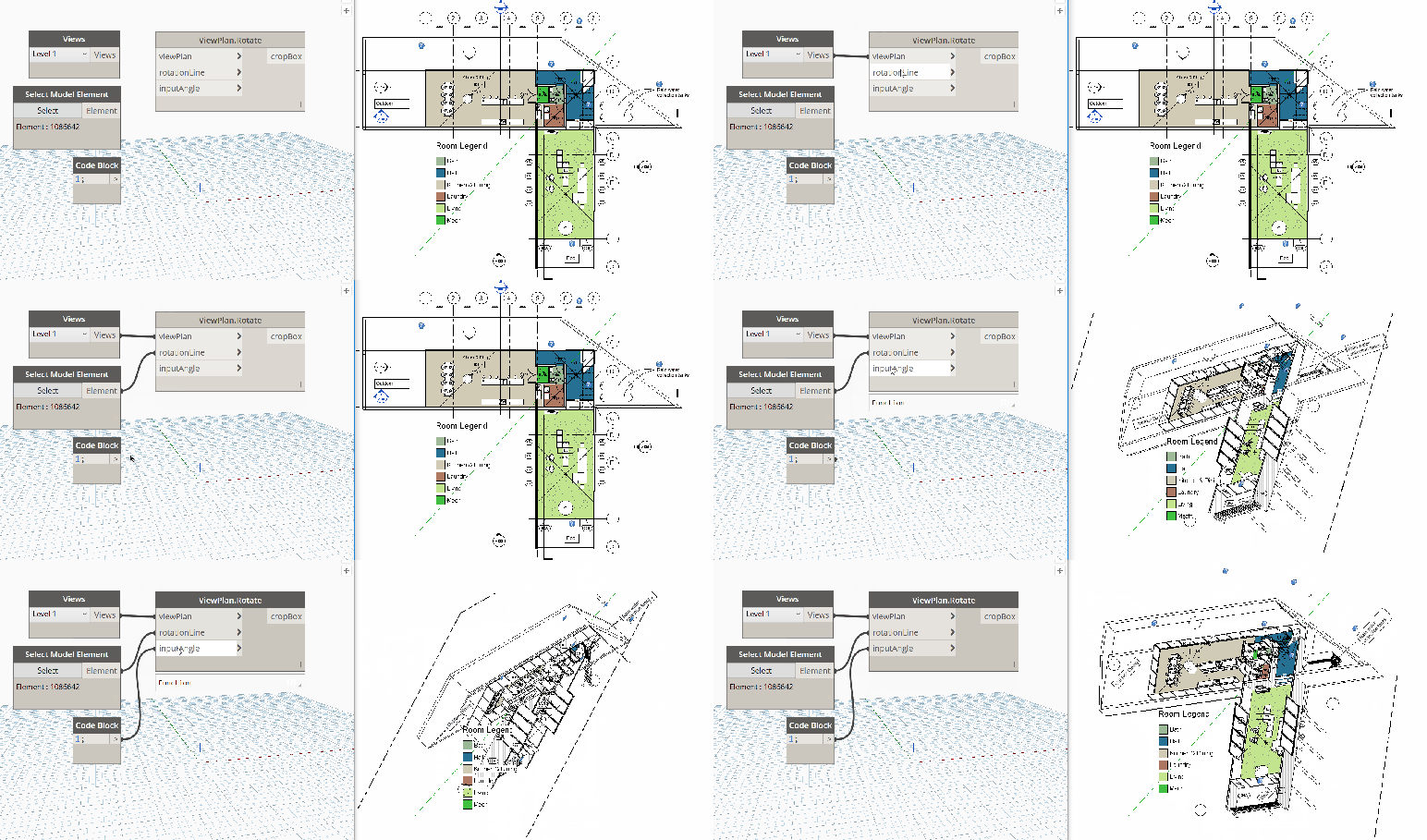
This node will attempt to rotate the plan view into 3d. Use at your own risk! Built as a proof of concept based on a tweet from Luke Johnson.
Inputs:
viewPlan: Element
rotationLine : Curve
inputAngle : double
Outputs:
cropBox: BoundingBoxXYZ

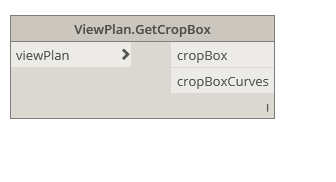
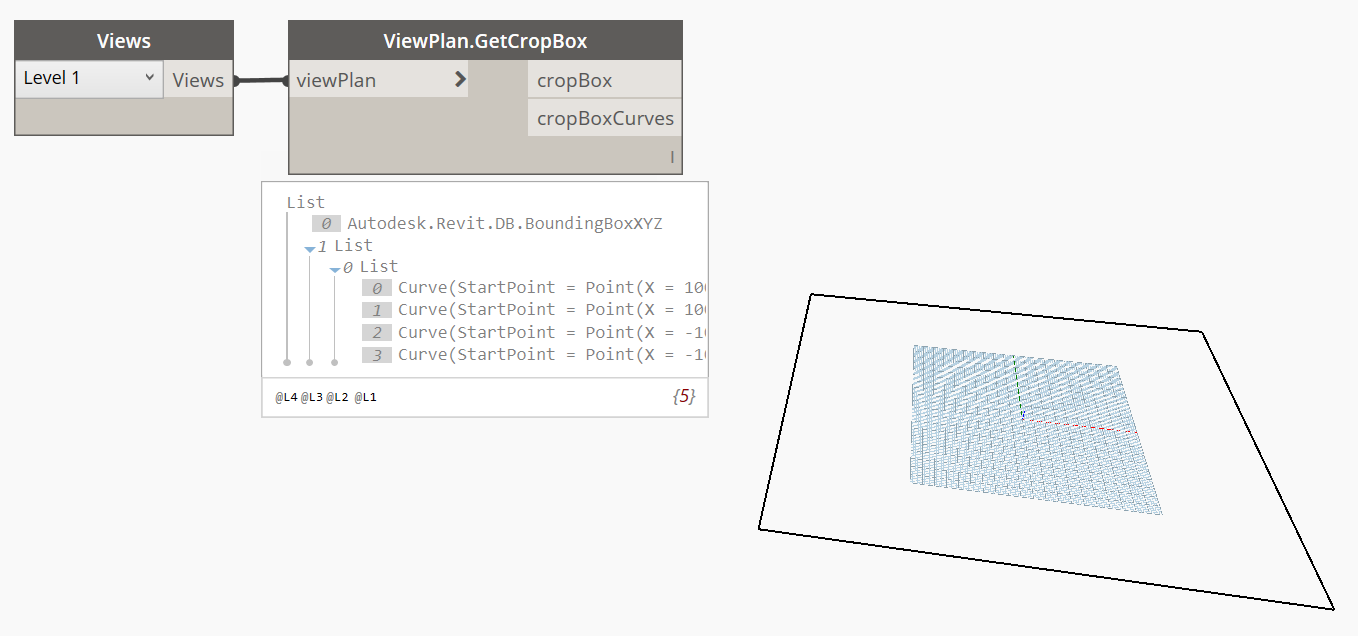
Dynamo Hierarchy: Rhythm>Revit>Elements>ViewPlan>ViewPlan.GetCropBox
Description:
This node will get the bounds of the view in paper space (in feet).
Inputs:
viewPlan: Element
Outputs:
cropBox: BoundingBoxXYZ
cropBoxCurves: Curve
 Dynamo Nodes